




Running a social media presence as a creator can feel like a full-time job on top of your full-time job. Between writing captions, editing videos, replying to comments, and keeping up with trends, the to-do list never seems to end. That constant pressure leads many creators to burnout, where the passion that started everything fades into exhaustion.
The good news is that AI tools for creators are changing the game. These smart assistants can handle the repetitive tasks that drain your energy, freeing you up to focus on what you do best—creating content that connects with your audience.
This guide walks you through practical ways AI can help with writing, video production, scheduling, music, engagement, and analytics. Whether you’re a solo creator or managing multiple accounts, there’s something here that can lighten your load.
Why Social Media Burnout Hits Creators Hard
Social media burnout is real, and it hits creators particularly hard. The platforms reward consistency, which means posting regularly, engaging with followers, and staying visible. For many creators, this translates into working around the clock just to stay relevant.
The pressure comes from multiple directions. You need fresh content ideas constantly. Each post needs compelling captions. Videos require editing, music, and captions of their own. Then there’s responding to comments, managing direct messages, and keeping an eye on what’s working and what’s not.
All of this adds up quickly. What started as a creative outlet can turn into an exhausting grind. Many creators find themselves spending more time on administrative tasks than on the creative work they actually enjoy.
This is where smarter workflows come in. By exploring automation strategies for creators, you can start taking back your time without sacrificing quality or consistency.
The repetitive nature of social media management makes it a perfect candidate for automation. Tasks like scheduling posts, generating caption drafts, and organizing content calendars don’t require your unique creative vision—they just need to get done. AI tools for creators can handle these routine jobs efficiently, letting you save your energy for the work that truly needs your personal touch.
Understanding what drains your energy is the first step. Once you identify the tasks that take the most time, you can start looking for AI solutions that fit your specific needs.
AI Writing Tools That Save Hours

Writing content for social media takes more time than most people realize. A single caption might seem simple, but crafting the right words for each platform, finding the right tone, and including relevant hashtags can eat up hours each week.
AI writing assistants have become incredibly useful for creators who need to produce text content quickly. These tools can generate caption ideas, suggest engaging hooks, rewrite drafts in different tones, and even create longer-form content like blog posts or newsletters.
Jasper AI is one example of an AI writing tool that creators commonly use for social copy. Tools like this let you input basic information about your topic and quickly receive multiple variations to work with. Instead of staring at a blank screen, you get a starting point that you can edit and personalize.
The key benefit isn’t replacing your voice—it’s accelerating the drafting process. You still review and refine everything, but the initial heavy lifting happens much faster. Many creators find they can cut their caption writing time significantly using these tools.
AI writing tools also help maintain consistency across platforms. When you’re adapting content from Instagram to LinkedIn to Twitter, these tools can help adjust the tone and length appropriately. What works on one platform often needs tweaking for another, and AI can handle those adjustments efficiently.
This fits into the broader picture of social media digital marketing, where your copy needs to support your overall brand and business goals. AI helps you stay on message while keeping up with the demanding posting schedule that platforms expect.
For creators managing multiple brands or client accounts, AI writing tools become even more valuable. The ability to quickly generate platform-specific content while maintaining distinct brand voices saves considerable time and mental energy.
Scheduling and Planning Made Simple
Posting at the right times can make a real difference in how many people see your content. But figuring out those optimal times and then remembering to post—that’s another task on an already long list.
AI-powered scheduling tools solve this problem by automating your posting calendar. You batch-create your content, load it into the scheduler, and the tool handles the rest. Better yet, many of these platforms analyze your audience data to suggest the best times to post.
Later is a popular scheduling platform that simplifies content planning for creators. Tools like this let you visualize your content calendar, drag and drop posts into place, and automatically publish across multiple platforms.
The time savings compound over the week. Instead of interrupting your day multiple times to post content, you spend one focused session planning and scheduling everything. This batch approach is not only more efficient but also helps you maintain a more strategic view of your content mix.
Many scheduling tools now incorporate AI social listening and predictive analytics to optimize your posting strategy. They can identify trending topics, suggest content themes based on what’s performing well in your niche, and adjust posting times based on when your specific audience is most active.
Planning ahead also reduces stress. When you have a week’s worth of content scheduled, you don’t wake up in a panic wondering what to post. That mental breathing room helps prevent the kind of chronic stress that leads to burnout.
Content calendars also help you maintain variety. When you can see everything laid out visually, it’s easier to ensure you’re mixing up your content types and topics rather than posting the same thing repeatedly. This strategic overview is something that’s hard to maintain when you’re posting on the fly.
Video Content Without the Stress
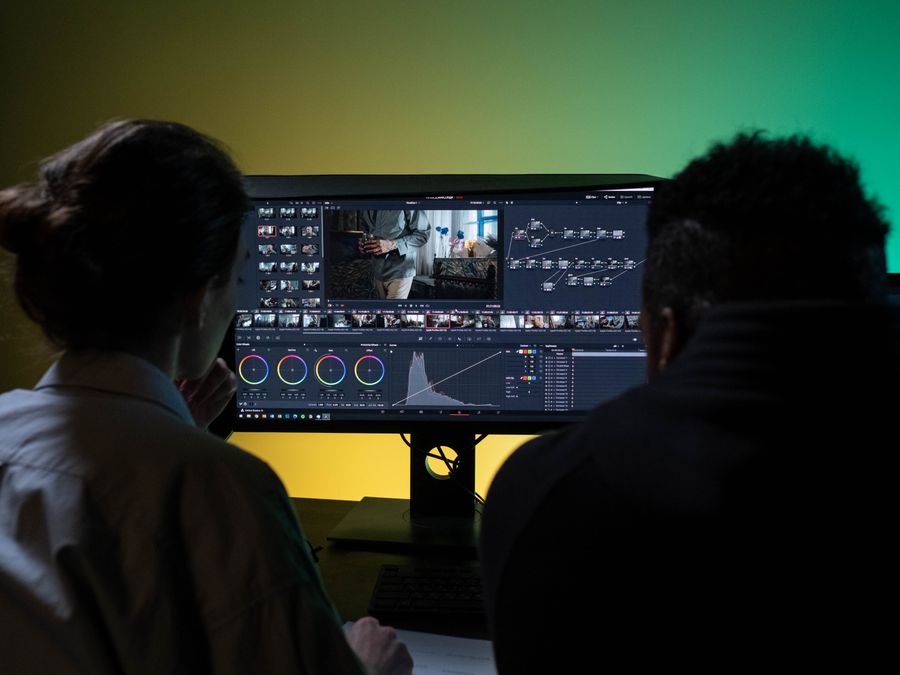
Video dominates social media, but creating quality video content traditionally required significant skills and time. Filming, editing, adding music, creating captions—the process can easily consume an entire day for a single short clip.
AI video creation tools have dramatically lowered the barrier to entry. These platforms can help with everything from basic editing to generating entirely new video content from text prompts or images.
InVideo is one AI video tool that uses templates to speed up production. With platforms like this, you can select a template that matches your content style, add your text and media, and have a polished video ready in minutes rather than hours.
The template approach is particularly useful for recurring content types. If you create weekly tips, product highlights, or behind-the-scenes updates, having a consistent template means you’re not starting from scratch each time. The AI handles the formatting while you focus on the content itself.
For creators on a budget, there are also free AI music video generators that can help you create engaging video content without a major investment. These tools are especially helpful when you’re just starting out or experimenting with new content formats.
AI can also help with the more tedious aspects of video creation. Automated captioning, for example, makes your content more accessible while saving you from manually typing out every word. Some tools can even automatically create clips from longer videos, pulling out the most engaging moments for repurposing.
The quality of AI-generated video content continues to improve. What once looked obviously automated now often passes as professionally produced. This means creators can maintain a high production value without the traditional time investment that used to be required.
Adding Music and Audio with AI
Music and audio add energy and emotion to video content, but licensing can be complicated and expensive. Finding the right track, ensuring you have proper permissions, and avoiding copyright strikes—it’s another headache creators don’t need.
AI music generation tools offer a solution. These platforms create original music tracks based on your specifications, giving you royalty-free audio that’s unique to your content.
MusicCreator AI is one example tool for generating background music for videos. You typically input parameters like mood, tempo, and length, and the AI produces a custom track. This gives you music that fits your content perfectly without the licensing worries.
The customization options are often quite detailed. You can specify genres, instruments, energy levels, and emotional tone. Want an upbeat electronic track for a product reveal? A calm acoustic piece for a reflective moment? AI music tools can generate exactly what you need.
Beyond background music, AI audio tools can help with other aspects of your content. Voice enhancement, noise reduction, and even AI-generated voiceovers are becoming more sophisticated and accessible to everyday creators.
For creators who produce a lot of video content, having a reliable source of original music removes a significant obstacle. You’re not hunting through royalty-free libraries trying to find something that fits, and you’re not worried about your video being flagged or demonetized due to copyright issues.
The audio quality from these AI tools has improved substantially in recent years. While discerning listeners might still detect some synthetic elements in certain tracks, the output is more than sufficient for most social media applications where music serves as background rather than the main focus.
AI Chatbots for Audience Engagement
Growing an audience means more comments, messages, and interactions to manage. This is a good problem to have, but it can quickly become overwhelming. Responding personally to every follower isn’t sustainable at scale.
AI chatbots and automated response systems help manage this volume without leaving your audience feeling ignored. These tools can handle common questions, provide instant responses, and route complex inquiries to you when human attention is needed.
Various chatbot platforms exist that handle automated audience communication. These range from simple auto-responders to sophisticated AI that can hold natural conversations and provide personalized recommendations based on user input.
The key is finding the right balance between automation and personal touch. For frequently asked questions—shipping policies, content schedules, collaboration inquiries—automated responses make sense. For more personal interactions, you’ll want to step in directly.
Setting up AI-driven review automation and response management can also help you stay on top of feedback across platforms. This is particularly useful for creators who sell products or services alongside their content and need to manage customer interactions efficiently.
Chatbots also help with time zones. Your audience might be most active while you’re asleep. Automated systems ensure they still get some response, maintaining engagement even when you’re not available. This constant availability helps build stronger relationships with followers around the world.
The setup process for most chatbot tools is relatively straightforward. You typically define common questions and appropriate responses, then let the system handle matching inquiries with the right answers. Over time, you can refine these based on what your audience actually asks most often.
Tracking Performance with AI Analytics
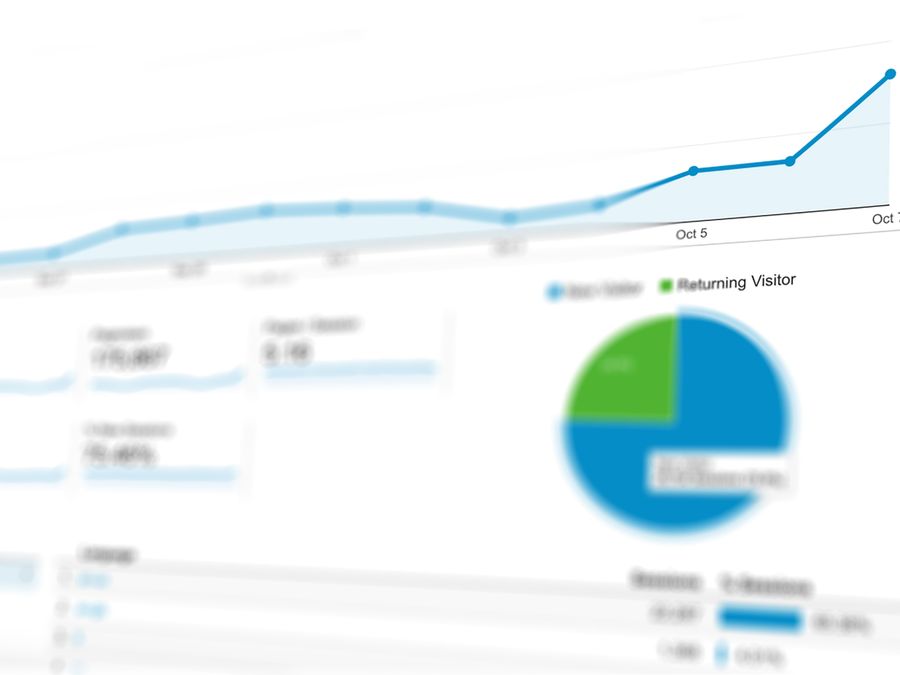
Creating content is one thing. Understanding what’s working is another. Without good analytics, you’re essentially guessing at what your audience wants.
AI-powered analytics tools go beyond basic metrics to provide actionable insights. They can identify patterns in your best-performing content, suggest optimal posting strategies, and even predict how new content might perform based on historical data.
Understanding AI-powered analytics for reach helps creators make smarter decisions about their content strategy. Instead of just seeing that a post got a certain number of likes, you can understand why it performed well and how to replicate that success in future content.
These tools can track performance across multiple platforms, giving you a unified view of your presence. This comprehensive perspective helps you understand how your audience behaves differently on each platform and adjust your strategy accordingly.
For platform-specific optimization, exploring AI SEO for Instagram growth and similar strategies can help you tailor your approach to each channel’s unique algorithm and user behavior patterns.
AI analytics can also help with competitive analysis. Understanding what’s working for similar creators in your niche provides valuable context for your own strategy. You can learn from their successes without directly copying their content.
The predictive capabilities of modern analytics tools are particularly valuable for planning ahead. Being able to anticipate trends rather than react to them puts you ahead of other creators who are always playing catch-up. This forward-looking approach helps you stay relevant and consistently deliver content your audience wants to see.
How to Start Using AI Without Losing Your Voice
The biggest concern many creators have about AI is losing their authentic voice. Your personality and perspective are what make followers connect with you. If everything sounds generated, that connection fades.
The good news is that AI tools work best as assistants, not replacements. They handle the heavy lifting while you provide the creative direction and final polish.
Start by identifying your biggest time drains. Is it writing captions? Editing videos? Responding to messages? Pick one area where AI tools for creators could make the most impact and start there. Trying to automate everything at once often leads to frustration.
When you use AI for writing, always review and edit the output. Add your own phrases, adjust the tone, and inject personal anecdotes. The AI gives you a starting point; you make it sound like you. This collaborative approach produces better results than either pure human effort or pure AI generation.
Keep certain content types purely human. Personal stories, vulnerable moments, and direct conversations with your audience often work best when they’re completely authentic. Use AI for the more routine content while preserving the deeply personal pieces for your own voice.
Test and adjust over time. Pay attention to how your audience responds to AI-assisted content versus fully original work. If there’s a noticeable difference in engagement, that tells you something about where AI fits best in your workflow.
Be transparent when appropriate. Some creators openly share that they use AI tools, which can actually strengthen trust with their audience. Most followers care more about the value you provide than whether you used AI to help create it.
Remember that AI tools are getting better, but they still lack the lived experiences and unique perspective that make your content valuable. Use them to amplify what makes you special, not to replace it.
The goal isn’t to automate everything. It’s to automate enough that you have energy left for the creative work that requires your full attention. AI tools for creators are most powerful when they give you back the time and energy to do what you do best—connect authentically with your audience through content that only you could create.