




Content creation has changed dramatically over the past few years. More creators than ever are ditching their desktop setups and building entire workflows around their phones and tablets. Coffee shops, co-working spaces, airports, and parks have become the new offices for digital creators.
This shift toward mobile-first workflows brings incredible flexibility and freedom. You can shoot, edit, and publish content from almost anywhere. But there’s a catch—working on the go often means connecting to public wifi networks, which comes with real security risks.
That’s where VPNs come in. A mobile-first workflows VPN setup helps protect your data, accounts, and creative work while you enjoy the freedom of working from anywhere. In this guide, we’ll explore what mobile-first workflows are, why they matter, and how to stay secure while embracing this flexible way of working.
What Are Mobile-First Workflows
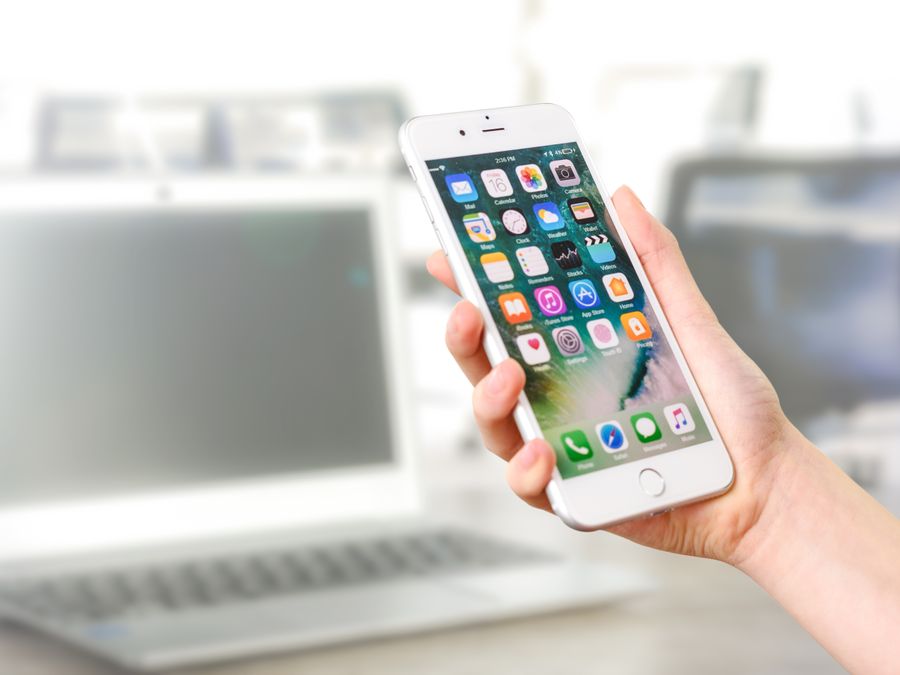
Mobile-first workflows are systems where your smartphone or tablet serves as the primary device for creating, editing, and publishing content. Instead of treating mobile as a secondary option, you build your entire creative process around what you can do on the go.
This approach flips the traditional setup on its head. Rather than creating content on a desktop and occasionally checking things on your phone, you design workflows that work seamlessly from a mobile device first. Desktop becomes optional—a nice-to-have rather than a must-have.
For creators, this means choosing apps and tools that work well on smaller screens. It means building habits around quick capture, mobile editing, and publishing directly from your phone. The same thinking applies across different digital activities, similar to how mobile optimization practices have become essential for online businesses and marketers.
Mobile-first workflows aren’t just about convenience. They’re about meeting audiences where they are. Most people consume content on their phones, so creating content on the same devices can help you better understand how your work will look and feel to your audience.
This approach also breaks down barriers to creation. You don’t need a dedicated home office or expensive equipment to get started. A smartphone with a decent camera, the right apps, and a reliable internet connection can be enough to build a successful content creation practice.
The key is intentional design. Mobile-first workflows require you to think carefully about each step in your process and make sure it can happen efficiently on a mobile device. This often leads to simpler, more streamlined workflows overall.
Why Creators Are Embracing Mobile-First Work
The shift toward mobile-first work isn’t happening by accident. Creators are choosing this approach for several compelling reasons that go beyond simple convenience.
Flexibility and freedom top the list. Mobile workflows let you work from anywhere with an internet connection. You’re not tied to a desk or dependent on specific equipment. This freedom allows creators to travel, spend time outdoors, or simply change their environment whenever they need fresh inspiration.
Speed is another major factor. Mobile devices are always with you and always ready. When inspiration strikes, you can capture it immediately. You can film a video, edit a quick clip, or write a caption in moments—no need to wait until you’re back at your computer.
The rise of short-form mobile video content has also pushed creators toward mobile-first thinking. Platforms like TikTok, Instagram Reels, and YouTube Shorts are designed around vertical video shot on phones. Creators who embrace mobile workflows can produce this content naturally, without the awkward step of converting horizontal desktop footage.
Mobile-first work also connects naturally to broader social media marketing strategies. When your workflow happens on the same devices your audience uses, you gain a better understanding of how your content appears in their feeds. This can lead to better creative decisions and stronger engagement.
Cost savings matter too. While professional camera gear and desktop editing software can cost thousands of dollars, a capable smartphone and a few subscription apps can handle most content creation tasks at a fraction of the price.
Finally, there’s the productivity benefit of constraints. Mobile devices have smaller screens and fewer distractions than desktop computers. Many creators find they actually work more efficiently when they focus on mobile tools that do one thing well, rather than juggling dozens of desktop applications.
The combination of flexibility, speed, cost-effectiveness, and alignment with how audiences consume content has made mobile-first workflows increasingly attractive to creators of all types.
Essential Tools for Mobile Content Creation
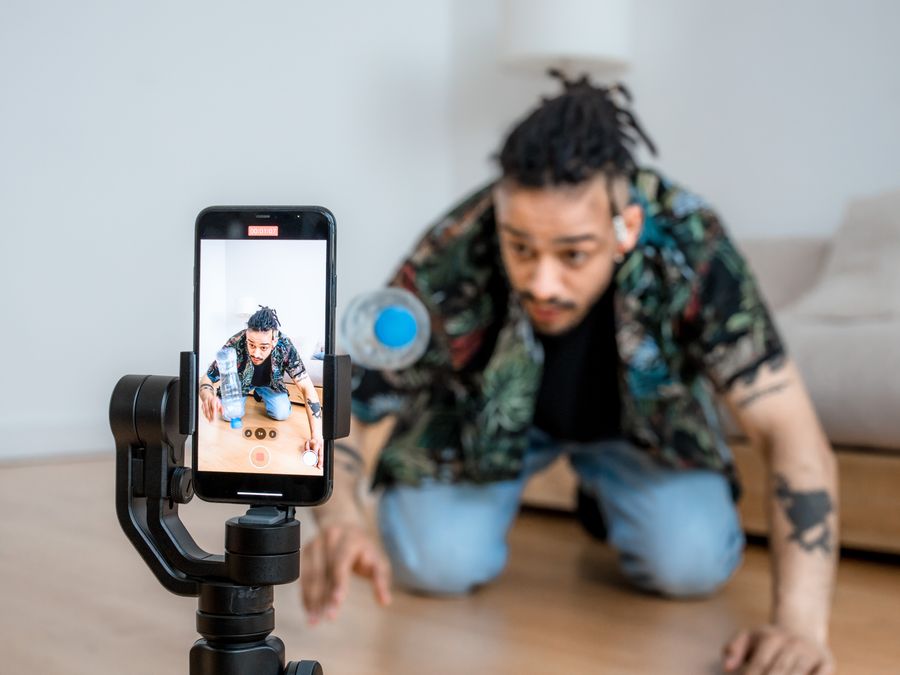
Building an effective mobile-first workflow starts with choosing the right tools. The good news is that there are excellent apps available for almost every step of the content creation process.
For video creation, your smartphone’s built-in camera app often provides everything you need to capture footage. Pair it with a mobile editing app like CapCut, InShot, or Adobe Premiere Rush, and you can edit professional-looking videos directly on your phone. These apps offer features like trimming, transitions, text overlays, and even basic color correction.
Photo editing has equally powerful options. Lightroom Mobile brings professional-grade editing tools to your phone, while apps like VSCO and Snapseed offer quick, intuitive adjustments. For graphic design, Canva’s mobile app lets you create social media graphics, thumbnails, and promotional images without touching a desktop.
Writing and planning tools are essential for keeping your content organized. Apps like Notion, Trello, and Asana work well on mobile devices and help you track ideas, plan content calendars, and manage projects. Google Docs and Apple Notes provide simple options for drafting captions, scripts, or blog posts on the go.
Social media management becomes easier with tools like Buffer, Later, or Hootsuite, which let you schedule posts across multiple platforms from your phone. These apps can save hours each week by allowing you to batch your posting during dedicated work sessions.
When it comes to finding the best tools for your needs, exploring social media content creation tools can help you discover options that fit your specific workflow. Additionally, AI tools for streamlining content work have become increasingly valuable for mobile creators looking to speed up their processes.
Some creators also delegate administrative tasks to a virtual assistant so they can focus more time on the creative aspects of mobile content production.
Cloud storage is the glue that holds mobile workflows together. Services like Google Drive, Dropbox, and iCloud ensure your files sync across devices and stay backed up. This means you can start a project on your phone, continue it on a tablet, and access it from any device later.
The key is choosing tools that integrate well with each other and fit naturally into your creative process. Start simple, then add new tools only when you have a clear need for them.
Automation and AI in Mobile Workflows
One of the biggest advantages of mobile-first workflows is how well they pair with automation and artificial intelligence. These technologies help creators accomplish more without spending extra hours working.
Automation handles repetitive tasks so you don’t have to. Simple automations can automatically save Instagram posts to a cloud folder, send notifications when someone mentions your brand, or cross-post content to multiple platforms simultaneously. Tools like Zapier and IFTTT offer mobile-friendly interfaces for setting up these workflows.
Understanding workflow automation strategies can transform how efficiently you work. Instead of manually moving files, updating spreadsheets, or copying content between platforms, automated workflows handle these tasks in the background while you focus on creating.
AI tools have become particularly valuable for mobile creators. AI can help you write captions, generate content ideas, create transcripts from video files, and even suggest optimal posting times. Many of these AI features are built directly into the apps you already use.
For example, some editing apps use AI to automatically adjust lighting, remove background noise, or suggest cuts in video footage. Writing assistants can help you draft content faster and catch errors before you publish. These tools don’t replace your creativity—they remove friction so your creative ideas can flow more freely.
AI-assisted content personalization represents another growing area that benefits mobile creators. AI can help you understand what content resonates with different segments of your audience, allowing you to tailor your approach without spending hours analyzing data manually.
The combination of automation and AI is especially powerful on mobile devices because it compensates for the limitations of smaller screens and touch interfaces. Tasks that would be tedious on a phone—like precise selections or data entry—can often be handled automatically instead.
When implementing automation and AI in your workflow, start with the tasks that take the most time or cause the most frustration. Even small automations can free up significant time over weeks and months, letting you focus your energy on the creative work that only you can do.
Security Risks When Working on Public Networks
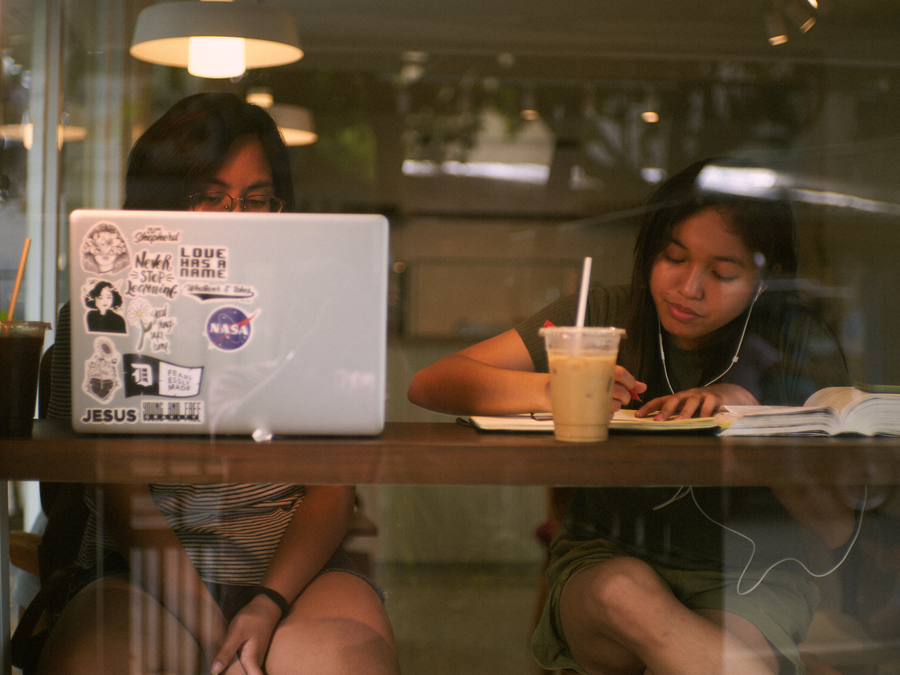
The freedom of mobile-first workflows comes with security challenges that every creator should understand. When you work from coffee shops, airports, hotels, or other public spaces, you’re often connecting to networks that aren’t secure.
Public wifi networks present several risks. First, these networks are shared with strangers, which means someone else on the same network could potentially intercept your data. This is called a “man-in-the-middle” attack, where a malicious actor positions themselves between your device and the internet to capture information.
Second, fake wifi networks are surprisingly common. A hacker can set up a network with a name like “Free Coffee Shop Wifi” near a real coffee shop. When people connect, thinking it’s legitimate, the hacker can see everything they do online.
Third, even legitimate public networks often lack encryption. This means data you send and receive travels in a form that others could read if they have the right tools.
For creators, these risks are serious. Your social media accounts, email, cloud storage, payment information, and creative work could all be exposed. A compromised account can mean lost followers, stolen content, or damaged reputation.
The risks extend to research activities as well. Whether you’re viewing content anonymously to research competitors or simply browsing for inspiration, your activity on public networks could be visible to others.
Before connecting to any unfamiliar network, it’s worth doing your due diligence to understand what you’re connecting to. Check with staff to confirm the correct network name, and consider whether you truly need to connect or if your mobile data might be safer.
Awareness is the first step toward protection. Understanding these risks helps you make better decisions about when and how to connect while working on the go.
How VPNs Protect Mobile Creators
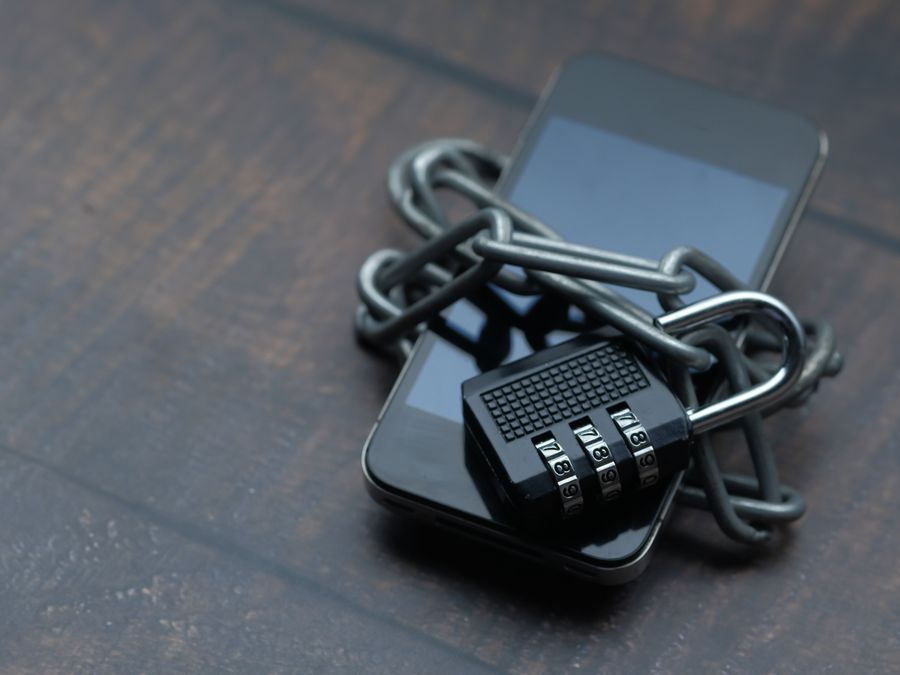
A Virtual Private Network, or VPN, is one of the most effective tools for securing your mobile-first workflow. Understanding how VPNs work helps you appreciate why they’ve become essential for creators who work from public spaces.
When you connect to the internet normally, your data travels from your device to websites and services in a way that can potentially be intercepted. A VPN creates an encrypted tunnel between your device and a secure server. All your internet traffic passes through this tunnel, scrambled in a way that makes it nearly impossible for others to read.
Think of it like sending a letter in a locked box rather than a postcard. Even if someone intercepts the box, they can’t read what’s inside. VPNs provide this protection for everything you do online—logging into accounts, checking email, uploading content, and managing payments.
VPNs also mask your IP address, which is like your device’s online address. Instead of websites seeing your real location and identity, they see the VPN server’s information. This adds a layer of privacy to your online activities.
For mobile-first workflows, VPN protection is especially valuable because mobile devices connect to more networks throughout the day. You might start the morning on your home wifi, work from a coffee shop at lunch, and finish the day at an airport. Each network switch presents potential risks that a VPN helps mitigate.
Several reputable VPN services cater to creators and remote workers. NordVPN is one popular option known for its speed and security features. Another option that creators often consider is Surfshark, which offers unlimited device connections on a single subscription.
Choosing between VPN providers depends on your specific needs, including factors like price, connection speed, server locations, and additional features. Resources that compare options like Surfshark vs NordVPN can help you evaluate which service fits your situation best.
When using a VPN for mobile-first workflows, look for providers with reliable mobile apps and automatic connection features. The best VPN for your workflow is one that’s easy enough to use that you’ll actually keep it running consistently.
The investment in a quality VPN service is small compared to the potential cost of compromised accounts or stolen creative work. For anyone embracing mobile-first workflows VPN protection should be considered a basic necessity rather than an optional extra.
Building Your Mobile-First Secure Workflow
Bringing together everything we’ve covered, here’s how to build a mobile-first workflow that balances productivity with security.
Start by auditing your current process. List every step in your content creation workflow and identify which steps you could realistically do on a mobile device. Be honest about what works on mobile and what doesn’t—forcing every task onto your phone isn’t always practical.
Next, choose your core tools. Select one app for each major function: filming, editing, writing, scheduling, and file storage. Keeping your tool set simple reduces complexity and makes your workflow easier to maintain. You can always add more tools later as your needs evolve.
Set up cloud syncing for all your important files. This ensures you can access your work from any device and provides backup protection against lost or damaged phones. Enable automatic uploads for photos and videos so you never lose content.
Install a reputable VPN and configure it to connect automatically when you join wifi networks. Most VPN apps have settings that let them detect when you’re on an untrusted network and enable protection without manual intervention. Make this the default behavior so you’re protected even when you’re focused on creating.
Enable two-factor authentication on every account that supports it. This adds a second layer of protection that keeps your accounts secure even if someone learns your password. Most social media platforms, email services, and cloud storage providers offer this feature.
Create a habit of checking your connection before doing sensitive work. Before logging into accounts or uploading important files, verify that your VPN is active. Most VPN apps show a clear indicator when you’re connected.
Finally, back up your workflow documentation. Keep notes about what apps you use, what accounts you need, and how your systems connect. If you ever lose your phone or need to set up a new device, this documentation helps you rebuild quickly.
A secure mobile-first workflow isn’t built overnight. Start with the basics, add improvements gradually, and soon you’ll have a system that lets you create freely from anywhere while keeping your work protected. The combination of the right tools, smart automation, and proper security measures will help you thrive as a mobile-first creator in today’s connected world.