




Running a business on your own means wearing many hats. You handle sales, customer service, accounting, and marketing—all before lunch. One area that often feels overwhelming is design. Creating professional-looking graphics, social media posts, and brand materials used to require expensive software, formal training, or hiring a designer.
That’s where AI design tools for solopreneurs come in. These tools use artificial intelligence to help you create polished visuals quickly, even if you’ve never taken a design class. You can make logos, social media graphics, presentations, and more—all without spending hours learning complicated software.
Whether you’re launching a new product, building your online presence, or simply trying to keep up with your content calendar, AI design tools can save you time and money. They handle the technical heavy lifting while you focus on your ideas and your business.
This guide walks you through the best AI design tools for solopreneurs, explains how to use them for different tasks, and shares practical tips to get better results. By the end, you’ll have a clear picture of how AI can fit into your creative workflow.
Why AI Design Tools Matter for Solopreneurs
As a solopreneur, your time is limited. Every hour you spend fiddling with design software is an hour you’re not spending on clients, strategy, or growing your business. Traditional design tools like Photoshop or Illustrator are powerful, but they come with steep learning curves. They’re built for professionals who spend years mastering them.
AI design tools flip this equation. They let you describe what you want in plain language, choose from smart templates, or let the AI generate options for you. The software handles alignment, color harmony, font pairing, and other design principles automatically. You get professional results without the professional training.
AI has become so mainstream that it’s even appearing in major advertising campaigns. A recent AI Super Bowl ads analysis shows how businesses of all sizes are embracing AI tools. This shift isn’t just for large companies—solopreneurs can benefit from the same technology to level up their visual content.
The way AI is reshaping creative work extends beyond static images. We’re seeing technology transforming video creation as well, making it easier than ever for solo business owners to produce engaging multimedia content.
Cost is another major factor. Hiring a designer for every social media post or marketing email isn’t realistic for most solopreneurs. AI tools typically offer free tiers or affordable subscriptions that make professional design accessible. You can create unlimited graphics for a fraction of what you’d pay a freelancer for a single project.
Speed matters too. When you spot a trending topic or need to respond to a customer inquiry with a quick visual, AI tools let you create something polished in minutes rather than days.
Best AI Design Tools to Try
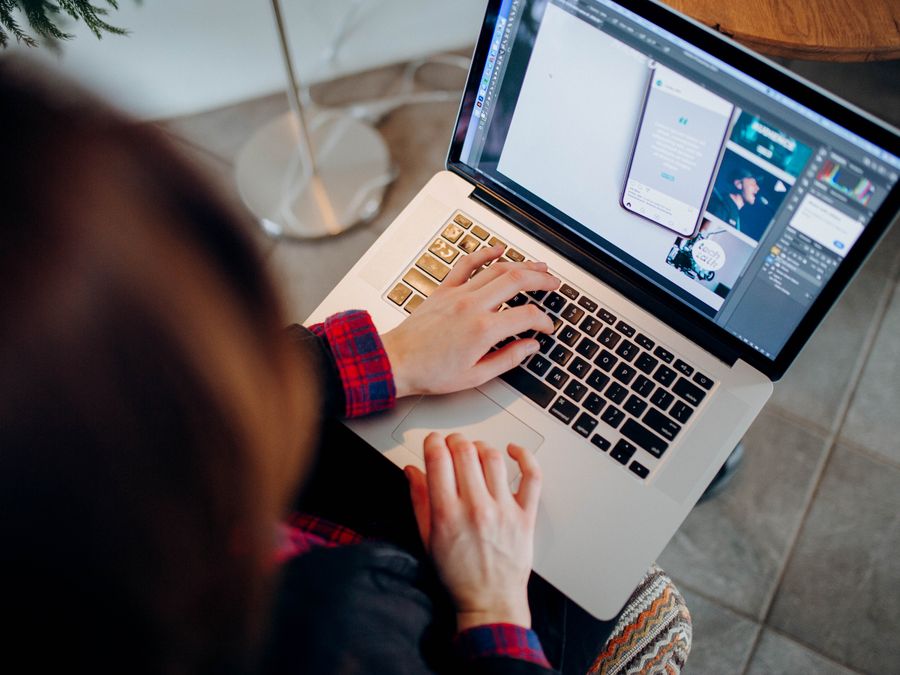
The AI design tool landscape has grown quickly, and there are now excellent options for different needs and skill levels. Here are some of the most useful AI design tools for solopreneurs to explore.
Canva
Canva has become one of the most popular design platforms for non-designers, and its AI features make it even more powerful. The platform offers thousands of templates for social media posts, presentations, flyers, business cards, and more. Its Magic Design feature lets you describe what you want, and the AI generates customized templates based on your description.
Canva’s AI can also resize designs for different platforms automatically, remove backgrounds from photos, and suggest design elements that match your brand. The interface is drag-and-drop simple, so you don’t need any technical knowledge to get started. For solopreneurs looking for social content creation tools, this platform covers most needs in one place.
AI Image Generators
Sometimes you need a completely original image that doesn’t exist anywhere else. AI image generators can create custom illustrations, product mockups, or concept art from text descriptions. For creative image generation, tools like Nano Banana Pro offer AI models that can produce unique visuals based on your prompts.
These generators are particularly useful when stock photos don’t capture what you’re looking for. You can describe a specific scene, style, or concept, and the AI will create something original. This is helpful for blog headers, social media posts, or any situation where you want imagery that stands out from the standard stock photo look.
Figma
For solopreneurs who need more control over their designs or collaborate with others, Figma offers a professional-grade design tool with AI features built in. While Figma has traditionally been used by professional designers, its AI capabilities are making it more accessible to beginners.
Figma’s AI can help you generate design variations, auto-layout elements, and even suggest improvements to your existing designs. It’s browser-based, so you don’t need to install anything. If you’re designing websites, apps, or detailed marketing materials, Figma gives you more flexibility than template-based tools while still offering AI assistance.
Logo and Brand Design Tools
Several AI tools focus specifically on logo creation and brand identity. These platforms ask you questions about your business, preferred styles, and color preferences, then generate logo options for you to customize. While they may not replace a professional brand designer for complex projects, they’re perfect for solopreneurs who need a clean, professional logo quickly.
Presentation Design Tools
AI-powered presentation tools can transform your bullet points into visually appealing slides. They automatically apply professional layouts, suggest images, and maintain visual consistency throughout your deck. This is valuable when you’re pitching to clients, speaking at events, or creating training materials.
Creating Social Media Graphics with AI
Social media is often where solopreneurs need the most design help. You need a steady stream of fresh content across multiple platforms, each with different image sizes and style expectations. AI tools can dramatically speed up this process.
Most AI design platforms include social media templates optimized for Instagram, Facebook, LinkedIn, Twitter, Pinterest, and TikTok. You can start with a template, customize it with your brand colors and fonts, and export versions for each platform with a few clicks. The AI handles the technical details like resolution and aspect ratios.
Creating Consistent Post Series
One effective strategy is creating template sets for recurring content types. For example, you might have a quote template, a tip template, and a product feature template that all share the same visual style. AI tools can help you develop these templates, then you simply swap out the text and images for each new post.
This approach saves time while keeping your feed visually cohesive. Your audience starts recognizing your content style, which builds brand awareness. If you’re exploring ways to streamline your social presence further, consider looking into Instagram automation tools for business growth to handle posting schedules alongside your design workflow.
Mobile-Friendly Design
Many solopreneurs work from their phones or while traveling. Modern AI design tools offer robust mobile apps that let you create and edit graphics anywhere. This flexibility is essential when you want to post timely content or respond quickly to trends. For those who work remotely or travel frequently, smart tools for digital nomads can complement your mobile design workflow.
Stories and Short-Form Video Graphics
Stories and reels have become crucial for engagement on platforms like Instagram and Facebook. AI tools can help you create animated text, transitions, and overlays for your video content. Some even offer AI-generated music and voiceovers to complete your short-form videos.
The key is maintaining consistency. Use the same fonts, colors, and visual style across your stories as you do in your regular posts. AI tools make this easier by letting you save brand kits that apply automatically to new designs.
Building Your Brand Identity with AI
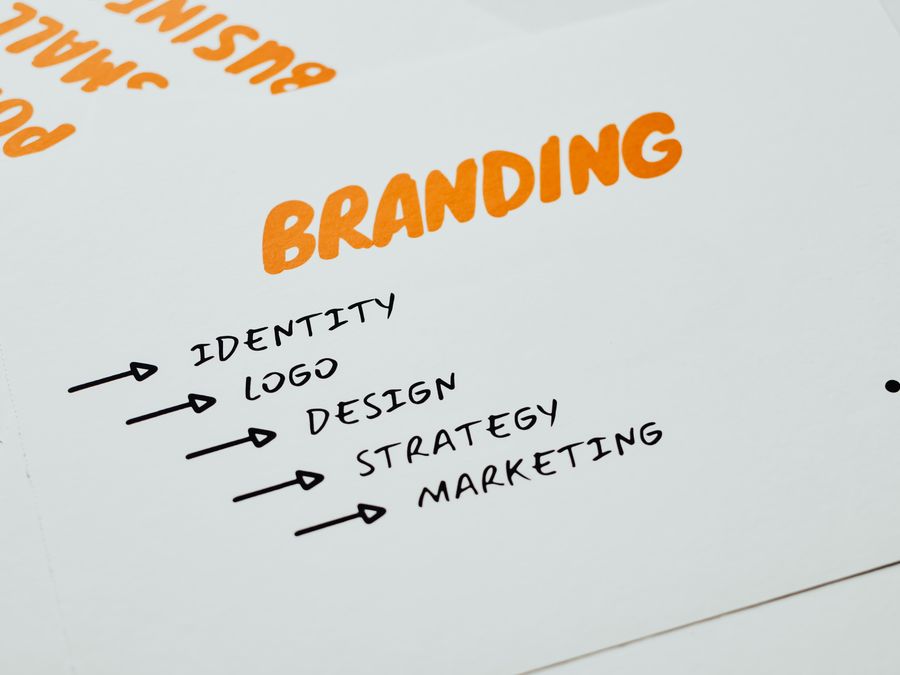
A strong brand identity helps you stand out and builds trust with your audience. For solopreneurs, creating a cohesive visual brand used to require hiring a designer. AI tools now make it possible to develop professional brand elements on your own.
Logo Creation
Your logo is often the first visual element people associate with your business. AI logo generators can produce dozens of options in minutes. You input your business name, describe your industry and style preferences, and the AI generates concepts to choose from.
Once you select a direction, you can customize colors, fonts, and arrangements. The best AI logo tools also provide your logo in different formats and sizes for various uses—from website favicons to business cards to social media profiles.
Brand Color Palettes
Choosing colors that work well together requires understanding color theory. AI tools can analyze your industry, target audience, and brand personality to suggest color palettes that convey the right emotions. They can also extract color palettes from images you upload, which is helpful if you have inspiration photos.
Once you establish your brand colors, save them in your AI design tool’s brand kit. This ensures every graphic you create uses consistent colors without you having to remember hex codes.
Building Your Social Presence
Your visual brand extends to your social media profiles. Beyond graphics, even your username matters. If you’re still working on your brand presence, Instagram name generator tools can help you find an available name that fits your brand identity.
Typography and Font Pairing
Fonts communicate personality just as much as colors do. AI design tools can suggest font pairings that work well together—typically one font for headlines and another for body text. They consider readability, style compatibility, and brand fit when making recommendations.
Stick to two or three fonts maximum across all your materials. This creates visual consistency and makes your brand more recognizable.
Automating Your Design and Publishing Workflow
Creating great graphics is only part of the equation. You also need to publish them at the right times and track how they perform. Connecting your AI design tools with scheduling and analytics platforms creates a streamlined workflow.
Scheduling Your Content
Once you’ve created a batch of graphics, you want to schedule them across your platforms without logging into each one individually. Buffer is a popular tool for scheduling designed content across multiple social media platforms from one dashboard. You can upload your AI-designed graphics, write captions, and schedule everything for the week in one session.
This batching approach is efficient for solopreneurs. Instead of creating and posting content daily, you might spend a few hours once a week designing and scheduling everything. The rest of your week stays free for other business activities.
Connecting Your Tools
Many AI design platforms integrate directly with scheduling tools. For example, you might export your finished design straight to your scheduling app without downloading and re-uploading files. These integrations save small amounts of time that add up significantly over weeks and months.
Look for design tools that connect with your existing workflow. If you already use certain platforms for project management or file storage, choose design tools that integrate with them.
Tracking Performance
Understanding which designs resonate with your audience helps you improve over time. You might notice that certain colors, layouts, or content types get more engagement. Use AI analytics for social media reach to track how your visual content performs and identify patterns you can replicate.
Some scheduling tools include analytics features that show engagement metrics for each post. Review this data regularly to refine your design approach. The graphics that perform well can become templates for future content.
Creating Templates for Recurring Needs
Identify the types of graphics you create most often—perhaps weekly tips, customer testimonials, or product highlights. Create master templates for each type, then duplicate and customize them for each new piece of content. This systematizes your design work and ensures consistency.
Combining AI Design with Your Marketing Strategy
Visual design doesn’t exist in isolation. Your graphics should support your broader marketing goals, from email campaigns to video content to paid advertising. Here’s how to integrate AI design tools into your overall strategy.
Email Marketing Visuals
Emails with compelling visuals typically perform better than text-only messages. AI design tools can help you create headers, banners, and promotional graphics for your email campaigns. These visuals should match your brand identity and guide readers toward your call to action.
When planning your email campaigns, consider how visuals can support your message. A well-designed header image or product graphic can increase click-through rates. For more guidance on effective email campaigns, explore smart email marketing strategies that combine compelling copy with strong visuals.
Video Content
Static graphics are just the beginning. Many solopreneurs are expanding into video content, which tends to get higher engagement on most platforms. AI tools can help you create thumbnails, title cards, lower thirds, and end screens that maintain your brand consistency across video content.
If you’re interested in creating video content but haven’t started yet, free AI video generator tools can help you get started without expensive software or equipment. The visual style you develop for your static graphics can translate into your video branding.
Paid Advertising
When you run paid ads on social media or search engines, your visuals directly impact your results. AI design tools can help you create multiple ad variations quickly, which is essential for testing what resonates with your audience. Create several versions with different images, colors, or layouts, then let your ad platform’s algorithms determine which performs best.
The ability to produce ad variations quickly gives you a competitive advantage. You can test more options and optimize faster than if you were creating each graphic manually.
Blog and Website Graphics
Your website and blog need consistent visual content too. Featured images, infographics, and section headers all benefit from AI design tools. Create templates for your common blog image sizes, then customize them for each new post.
Infographics are particularly powerful for explaining complex topics and attracting backlinks. AI tools can help you lay out data and information in visually appealing ways, even if you’re not a trained designer.
Tips for Getting Better Results from AI Design Tools
AI design tools are powerful, but the quality of your results depends on how you use them. Here are practical tips to help you get more from these tools.
Write Better Prompts
When using AI image generators or design assistants, the quality of your description matters. Be specific about what you want. Instead of “a professional business image,” try “a clean, minimalist workspace with a laptop, coffee cup, and notebook on a white desk, natural lighting from the left, neutral color palette.”
Include details about style, mood, colors, composition, and any specific elements you need. The more precise your prompt, the closer the AI can get to your vision on the first try.
Start with Templates
Even experienced designers often start with templates. They provide proven layouts and design principles that you can customize for your needs. Browse templates in your category before starting from scratch—you might find something close to what you need that only requires minor adjustments.
Maintain Brand Consistency
Set up your brand kit early and use it for every design. This includes your logo, colors, fonts, and any graphic elements you use regularly. Consistent branding across all your graphics builds recognition and trust with your audience.
Don’t Over-Design
Simple designs often perform better than complex ones, especially on social media where viewers scroll quickly. AI tools make it easy to add elements, but restraint is valuable. Focus on one main message or image per graphic. Leave white space. Make your text readable.
Review and Refine
Don’t accept the first AI-generated option. Generate multiple variations and combine elements from different options. Most AI tools let you regenerate or adjust specific parts of a design. Take the time to refine until you’re genuinely satisfied with the result.
Learn Basic Design Principles
While AI handles much of the technical work, understanding basic concepts like alignment, contrast, hierarchy, and balance helps you make better decisions. You don’t need a design degree, but a little knowledge goes a long way in evaluating and improving AI-generated designs.
Keep Up with New Features
AI design tools are improving rapidly. Features that didn’t exist six months ago might be available now. Check your tools’ update notes and experiment with new capabilities. Staying current ensures you’re getting the most value from your subscriptions.
AI design tools for solopreneurs have removed many of the barriers that once made professional-quality design inaccessible. With the right tools and approach, you can create graphics that build your brand, engage your audience, and support your business goals—all without a design background or a large budget. Start with one or two tools that fit your immediate needs, master them, and expand your toolkit as your business grows.