



Have you ever wondered if you can view Instagram followers anonymously? Maybe you want to check out someone’s follower list without them knowing, or you’re simply curious about who follows a particular account. This is a common question, and understanding how Instagram handles follower visibility can help you navigate the platform with more confidence.
Many people assume that looking at someone’s followers or following list is a private action that goes unnoticed. Others worry that every click they make on Instagram is being tracked and reported back to the account owner. The truth lies somewhere in between, and it depends on several factors including account settings, how you access the platform, and what tools you choose to use.
In this guide, we’ll explain everything you need to know about viewing Instagram follower lists, what the platform tracks, and practical ways to browse more privately. Whether you’re concerned about your own privacy or just curious about how Instagram works behind the scenes, you’ll find clear answers here.
How Instagram Follower Lists Work
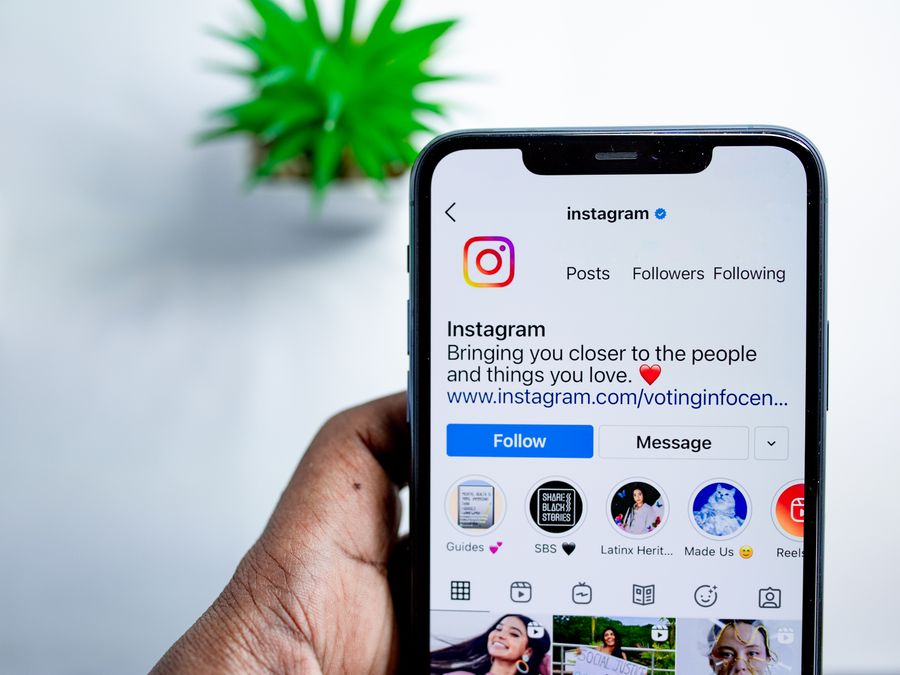
Before diving into anonymous viewing, it helps to understand the basics of how Instagram displays follower information. Every Instagram account has two lists: followers (people who follow the account) and following (accounts that person follows). These lists appear on the profile page, and their visibility depends on the account’s privacy settings.
For public accounts, anyone can view the follower and following lists. You don’t need to follow the account or even have an Instagram account yourself to see this information. The lists show usernames and profile pictures, and you can scroll through them freely. This open access is one of the defining features of public profiles on Instagram.
Private accounts work differently. When an account is set to private, only approved followers can see the follower and following lists. If you try to view these lists without being an approved follower, Instagram will show you limited information or block access entirely. The account owner has full control over who gets to see this data.
Instagram organizes follower lists in a specific way. For your own account, you might see mutual followers first, followed by accounts you interact with frequently. For other people’s accounts, the order may vary based on factors like recency and engagement. You can find official details about account settings and visibility options at the Instagram Help Center.
The follower count itself is always visible on public accounts, even if you’re not logged in. However, accessing the actual list of names requires more access depending on privacy settings. Understanding these basics helps you know what information is available and to whom.
Can You View Followers Without Being Seen?
Here’s the good news: Instagram does not notify users when someone views their follower list. You can scroll through anyone’s followers and following lists on a public account without the account owner receiving any alert or notification. This applies whether you’re logged into your own account or viewing from a web browser.
The platform simply doesn’t have a feature that shows profile visits or follower list views. Unlike viewing someone’s Instagram Story, which does show your username in the viewer list, looking at regular profile content and follower lists remains invisible to the account owner. This gives you a reasonable level of privacy when browsing public profiles.
Some people search for anonymous Instagram viewer tools hoping to access content without any trace whatsoever. While these tools exist, they typically work best for viewing public posts and Stories rather than interactive features like follower lists. The reality is that for public accounts, you can already view Instagram followers anonymously simply by not being logged in or by using a different account.
However, it’s important to understand what Instagram does track internally. The platform collects data about user behavior for its algorithms and advertising systems. This information is used to personalize your feed and show relevant content. You can learn more about how Meta handles platform data at the Meta Transparency Center.
The key distinction is between what the account owner can see versus what Instagram itself tracks. The account owner won’t know you viewed their followers, but Instagram’s systems may log this activity as part of your overall platform usage.
Public Accounts vs Private Accounts
The privacy setting of an Instagram account dramatically changes how you can view its followers. Understanding these differences is essential if you want to browse profiles with privacy in mind.
Public accounts offer the most straightforward access. Anyone can view the profile, posts, Reels, and follower lists without needing an account or following the person. You can open a web browser, navigate to instagram.com, and search for the public profile you want to explore. The follower list is just a tap away, and there’s no notification sent to anyone.
Private accounts lock down this information significantly. When someone sets their account to private, Instagram restricts access to approved followers only. You cannot view their posts, Stories, or follower lists unless you send a follow request and they accept it. This creates a barrier that can’t be easily bypassed without the owner’s permission.
If you want to check a private account’s followers, your only legitimate option is to request to follow them. Once approved, you can view their content and follower list just like any other approved follower. Keep in mind that requesting to follow someone reveals your username to them, so this approach isn’t anonymous.
For users who want more control over their own visibility, there are ways to hide your Instagram activity from others. Instagram offers various settings that let you control who sees your online status, likes, and other activity. These settings give you more privacy without requiring you to make your entire account private.
The choice between public and private isn’t all-or-nothing either. Some users keep their main content public but adjust other privacy settings to limit what people can see about their activity. Understanding these options helps you find the right balance for your own account.
Third-Party Anonymous Viewer Tools
A quick online search reveals numerous third-party tools and websites that claim to let you view Instagram content anonymously. These services promise to show profiles, Stories, and sometimes follower lists without logging in or leaving any trace. But do they actually work, and are they safe to use?
Most of these tools work by accessing Instagram’s public data through unofficial methods. They might scrape publicly available information and display it on their own websites. For viewing public posts and Stories, some of these services do function as advertised. However, their ability to show follower lists is often limited or unreliable.
Similar anonymous viewing questions come up on other platforms too. For instance, some users want to view Threads without an account, which is another Meta platform with its own privacy considerations. The desire for anonymous browsing extends across social media.
When evaluating these tools, consider what information they require from you. Some ask for your Instagram login credentials, which is a major red flag. Others might request personal information or ask you to complete surveys. Be cautious about any service that requires more than a simple username search to function.
It’s also worth knowing what Instagram does and doesn’t notify users about. For example, many people wonder about Instagram screenshot notifications and whether taking a screenshot alerts the other person. Understanding these notification triggers helps you assess what’s truly anonymous and what might be visible to others.
Resources like Common Sense Media can help you evaluate the safety and privacy practices of apps and online services. Before using any third-party tool, research its reputation and consider whether the convenience is worth the potential risks.
The bottom line is that while some anonymous viewer tools exist, they often come with limitations and risks. For viewing public follower lists, you may not need them at all since Instagram already allows this access without notification to the account owner.
Privacy and Security Risks
Using third-party services to view Instagram content anonymously can expose you to several risks. Before using any unofficial tool, it’s important to understand what you might be giving up in exchange for anonymous access.
The most serious risk involves sharing your Instagram credentials. Some services ask you to log in through their platform, claiming they need access to show you certain content. However, giving your username and password to an unknown third party is extremely risky. They could use these credentials to access your account, post content without your permission, or even lock you out entirely.
Even tools that don’t require login credentials can pose problems. They might install tracking cookies on your device, collect data about your browsing habits, or display malicious advertisements. Some redirect you to suspicious websites or prompt you to download software that could contain malware.
This type of risk isn’t unique to anonymous viewer tools. Other third-party services like those involved in buying Instagram followers carry similar dangers. These services often operate in gray areas and may not prioritize user security. The same applies to Instagram follower generators, which frequently access user data or require account permissions that could be misused.
Instagram’s terms of service also prohibit many of these third-party tools. Using them could result in your account being flagged, restricted, or even permanently banned. Instagram actively works to detect and block automated access, and getting caught could mean losing your account and all its content.
Organizations like EFF privacy advocates provide resources about digital privacy rights and best practices. Educating yourself about online privacy helps you make informed decisions about which tools and services to trust.
The safest approach is to stick with Instagram’s official features whenever possible. If you need to view a public profile’s followers, simply do so without logging in or use a secondary account. These methods carry far fewer risks than third-party services.
Ways to Browse Instagram More Privately
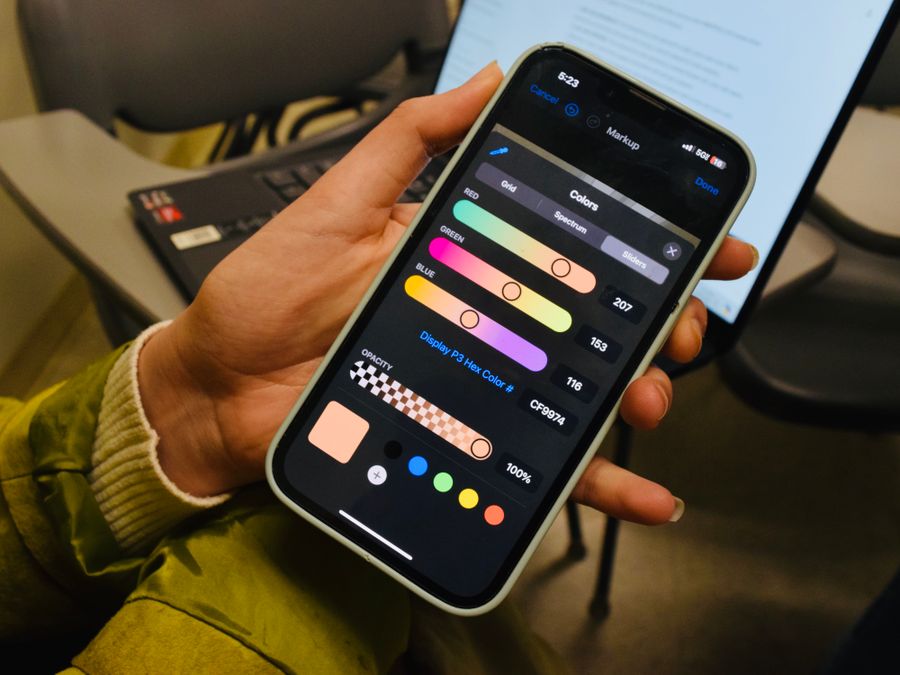
If you want to browse Instagram with more privacy, there are several legitimate strategies you can use. These methods don’t require third-party tools and work within Instagram’s existing features and standard web browsing practices.
One of the simplest approaches is to use Instagram’s web version without logging in. Open your preferred web browser, navigate to instagram.com, and search for the public profile you want to view. You can see posts, profile information, and follower lists without creating any connection to your personal account. This works best for casual browsing of public content.
Using your browser’s private or incognito mode adds another layer of privacy. This prevents Instagram from storing cookies that could link your browsing session to future visits. Each incognito session starts fresh, without any previous browsing history affecting what you see or how you’re tracked.
Another option is to create a secondary Instagram account for anonymous browsing. This account doesn’t need to include your real name, photo, or any identifying information. You can use it purely for viewing content you don’t want associated with your main account. Just remember that any follows or interactions from this account could still be traced back if someone investigates.
Adjusting your settings on your main account also helps protect your privacy when you do interact with others. You can turn off activity status so people can’t see when you’re online, restrict who can send you messages, and control who can see your Stories. These settings won’t make your browsing invisible, but they reduce how much information you share with others.
If privacy concerns are significant enough, you might consider whether to deactivate your Instagram account temporarily. Deactivation hides your profile and content from others while preserving your data for when you return. This is a more drastic step but provides a complete break from the platform.
Finally, using a VPN can add privacy by masking your IP address and location from websites you visit. While Instagram will still track your logged-in activity, a VPN prevents your internet service provider and network administrators from seeing your Instagram browsing.
Managing Your Own Follower Visibility
While this article focuses on viewing others’ followers anonymously, it’s equally important to understand how to manage who sees your own follower information. Instagram provides several controls that let you decide what others can access about your account.
The most comprehensive privacy option is switching your account to private. When your account is private, only people you approve can see your posts, Stories, and follower lists. Your follower count remains visible, but the actual names and profiles of your followers stay hidden from non-followers. This is the most effective way to control access to your follower information.
If you prefer keeping a public account, you have fewer options for hiding your follower list specifically. Instagram doesn’t offer a setting to make your follower list private while keeping your content public. However, you can block specific users from viewing your profile entirely, which prevents them from seeing any of your information including followers.
Removing followers is another way to manage your follower visibility. If you don’t want certain people in your follower list, you can remove them without blocking them. They won’t receive a notification, and they’ll simply no longer appear in your followers. This keeps your follower list aligned with people you actually want following you.
For users who want a fresh start, there are guides on how to unfollow everyone on Instagram to reset your following list. While this doesn’t directly affect who can see your followers, it can be part of a broader account cleanup that gives you more control over your Instagram presence.
Instagram also lets you restrict accounts, which is a middle ground between full blocking and normal following. Restricted accounts can still see your public content, but their comments on your posts are hidden from others, and they can’t see when you’re active. This doesn’t hide your follower list from them, but it limits their ability to interact with you in visible ways.
Regularly reviewing your privacy settings ensures they match your current preferences. Instagram occasionally adds new features and settings, so checking in every few months helps you stay on top of your options.
What Instagram Actually Tracks
Understanding what Instagram monitors helps clarify what’s truly private and what isn’t. While Instagram doesn’t notify account owners when you view their followers, the platform itself collects significant data about user behavior.
Instagram tracks actions like posts you view, accounts you search for, hashtags you explore, and how long you spend looking at certain content. This data powers the platform’s recommendation algorithms, helping Instagram show you content it thinks you’ll enjoy. It also informs the advertising you see both on Instagram and across the web.
The platform logs when you’re active, unless you’ve turned off activity status in your settings. It tracks your location if you’ve granted location permissions, and it monitors your interactions including likes, comments, saves, and shares. All of this creates a detailed profile of your interests and behaviors.
However, this tracking is generally invisible to other users. Your friends and followers can’t access Instagram’s internal data about your browsing habits. They can only see what you explicitly share or interact with publicly. Viewing someone’s follower list doesn’t show up anywhere visible to that person.
Research organizations like the Pew Research Center have studied social media privacy awareness and user concerns. Many users don’t fully understand how much data platforms collect or how it’s used. Being informed about these practices helps you make better decisions about your online activity.
Instagram stores your data according to Meta’s data policies. You can download your Instagram data through the app settings to see what information the platform has collected about you. This can be eye-opening and help you decide whether to adjust your usage patterns or privacy settings.
The key takeaway is that while you can view Instagram followers anonymously from the perspective of other users, Instagram itself is aware of your activity. This distinction matters depending on what level of privacy you’re seeking. For most casual users, the lack of notifications to account owners provides sufficient anonymity. For those with stronger privacy concerns, more comprehensive measures may be necessary.