


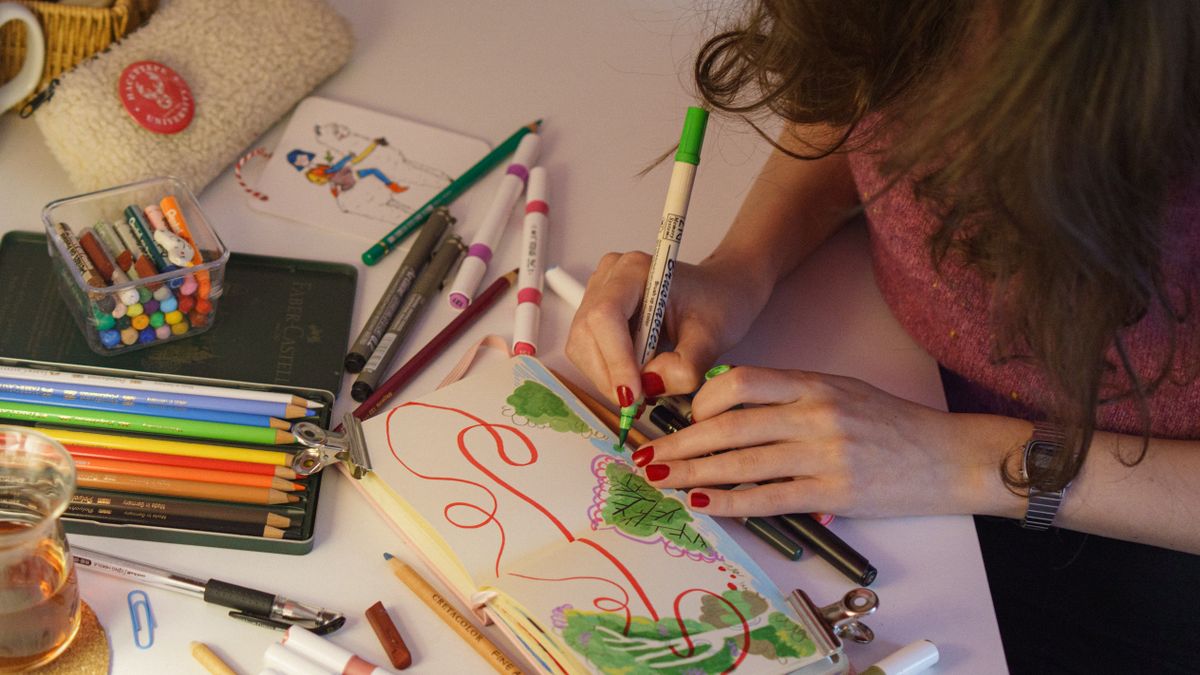

If your Instagram feed looks like everyone else’s, it’s easy to get lost in the scroll. Stock photos and generic visuals blend together, making it hard for followers to remember what makes your content special. That’s where custom illustrations Instagram creators are increasingly turning to can make a real difference.
Illustrations give you something stock images simply can’t—a visual style that belongs only to you. Whether you run a small business, create content for a personal brand, or manage social media for clients, adding illustrated elements to your posts can help your feed stand out and feel more intentional.
The good news is that you don’t need to be a professional artist or have a big budget to use illustrations effectively. With the right resources and a few simple tools, anyone can find, customize, and post illustrated content that looks polished and professional. This guide will walk you through everything you need to know, from choosing illustration styles to optimizing your posts for better reach.
Why Custom Illustrations Stand Out on Instagram
Instagram is a visual platform, and that means competition for attention is fierce. Every day, people scroll through hundreds of images, and most of those images start to look the same after a while. Photos of coffee cups, sunsets, and flat lays are everywhere. Custom illustrations break that pattern.
When someone sees an illustrated post in their feed, it catches their eye because it looks different. Illustrations have a handcrafted feel that photos often lack. They signal creativity and effort, which makes viewers more likely to stop scrolling and engage with your content.
Another reason illustrations work so well is that they give you complete control over your visual identity. With photos, you’re limited by what you can capture or find in stock libraries. With illustrations, you can create scenes, characters, and graphics that match your brand perfectly. You can choose exact colors, specific styles, and unique compositions that reinforce who you are and what you offer.
Custom illustrations also help with consistency. When you’re focused on building a visually stunning Instagram feed, having a unified look across all your posts matters. Illustrations make it easier to maintain that consistency because you can use the same style, palette, and visual elements throughout your content.
Beyond aesthetics, illustrations are versatile. You can use them for educational posts, promotional content, announcements, quotes, and more. They work as standalone images or as overlays on photographs. This flexibility makes them valuable for almost any type of Instagram account.
Types of Illustrations That Work Best
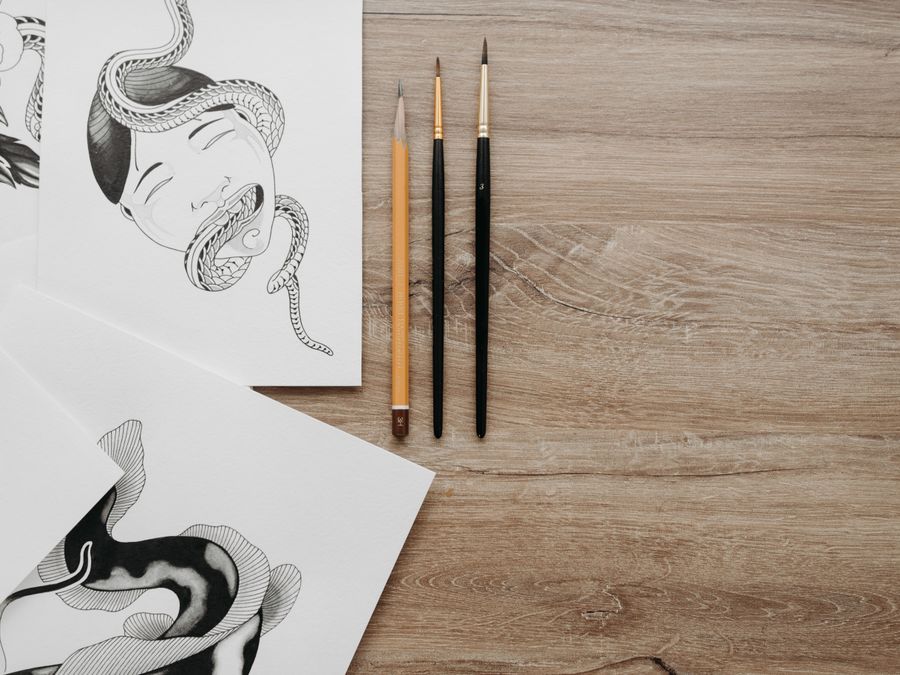
Not all illustration styles fit every brand or niche. Understanding the main types can help you choose what works best for your feed and audience.
Flat design is one of the most popular styles on Instagram. These illustrations use simple shapes, clean lines, and bold colors without shadows or gradients. Flat design looks modern and professional, making it a great choice for businesses, tech companies, and lifestyle brands. If you need something corporate or polished, resources like business clipart offer plenty of options in this style.
Hand-drawn illustrations have a warm, personal feel. They look like someone sketched them by hand, which creates a sense of authenticity and approachability. This style works well for creative professionals, artists, and brands that want to feel more human and less corporate.
3D illustrations add depth and dimension to your feed. They look more realistic and can make your posts feel premium and high-quality. However, 3D illustrations can also feel heavy, so they work best when used sparingly or for specific types of content like product showcases.
Minimalist illustrations strip everything down to the essentials. They use limited colors, simple lines, and lots of white space. This style feels calm and sophisticated, making it ideal for wellness brands, luxury products, and anyone who wants a clean aesthetic.
Think about your niche when choosing a style. A fitness brand might benefit from energetic, colorful illustrations, while a financial advisor might prefer something more understated. If you also use photography in your feed, consider how illustrations can complement your photos. Just like exploring creative photoshoot ideas for your feed, mixing illustrated elements with photography can create a dynamic and interesting visual experience.
Where to Find Quality Illustrations

Once you know what style you want, the next step is finding illustrations to use. Fortunately, there are many resources available, ranging from free libraries to premium marketplaces.
For free options, unDraw illustrations is an excellent starting point. It offers open-source illustrations that you can use for personal and commercial projects without attribution. The collection focuses on flat-style illustrations and lets you customize colors before downloading, which saves time when matching your brand palette.
Another popular platform is Freepik, which offers a massive library of illustrations in various styles. While Freepik has free options, many of its best illustrations require a premium subscription or attribution. The variety available makes it worth exploring, especially if you need different styles for different types of posts.
Beyond these, there are many other resources to consider. Some illustration libraries specialize in specific niches like healthcare, education, or technology. Others focus on particular styles like isometric illustrations or character-based artwork. Take time to browse different platforms and save the ones that match your needs.
When evaluating illustration sources, pay attention to a few key factors. First, check the licensing terms carefully. Make sure you’re allowed to use the illustrations commercially and understand whether attribution is required. Second, look at the consistency of the collection. Using illustrations from the same library or artist helps maintain a cohesive look. Third, consider the file formats available. Vector files like SVG or AI give you more flexibility for customization than raster formats like PNG or JPG.
Building a small library of go-to illustration sources saves time in the long run. Bookmark your favorites so you can quickly find what you need when creating new content.
Tools for Customizing Illustrations

Finding illustrations is just the beginning. To make them truly your own, you’ll need to customize them to match your brand colors, add text, resize them for Instagram’s dimensions, and combine them with other elements.
For beginners, Canva is one of the easiest tools to use. It lets you upload illustrations, change colors, add text overlays, and resize images with just a few clicks. You don’t need any design experience to create polished posts. Canva also offers templates specifically sized for Instagram posts, Stories, and Reels, which makes formatting simple.
If you want more control over your designs, Figma is an excellent option. It’s more advanced than Canva but still accessible for non-designers willing to learn. Figma excels at working with vector files, which means you can edit individual elements within an illustration. You can change specific colors, move objects around, remove parts you don’t need, and combine multiple illustrations into new compositions.
Many creators also use AI design tools for creators to speed up the customization process. These tools can help with tasks like removing backgrounds, generating color palettes, and even creating variations of existing illustrations. They’re especially useful when you need to produce content quickly.
When customizing illustrations, focus on a few key areas. Color is the most important—changing an illustration’s colors to match your brand palette instantly makes it feel like your own. Pay attention to sizing as well. Instagram has specific dimensions for different content types, and using the wrong size can result in cropped or blurry images. Finally, consider adding your own elements like logos, icons, or text to reinforce your brand identity.
Start simple and experiment over time. As you get comfortable with your tools, you’ll find faster workflows and develop a stronger sense of what works for your feed.
Building a Cohesive Instagram Feed With Illustrations

A beautiful individual post is great, but a cohesive feed is even better. When someone visits your profile, they see multiple posts at once. If those posts feel disconnected—different styles, clashing colors, inconsistent elements—your feed looks chaotic. Using illustrations strategically can help you create visual harmony.
Start with a color palette. Choose three to five colors that represent your brand and stick to them across all your illustrated posts. Most illustration libraries let you customize colors before downloading, and tools like Canva and Figma make it easy to adjust colors after the fact. When every post uses the same palette, your feed automatically looks more unified.
Style consistency matters just as much as color. If you use flat design illustrations for one post and hand-drawn illustrations for another, your feed will feel scattered. Pick one primary illustration style and use it throughout. You can mix in other visual elements like photos or text-based posts, but keep your illustration style consistent.
Think about how illustrations work alongside your other content. If you also share photographs, consider how to blend the two. Some creators overlay illustrated elements on photos. Others alternate between illustration posts and photo posts in a pattern. Learning from Instagram photography strategies can give you ideas for how to balance different types of visual content.
Planning your feed in advance helps you see how posts will look together before you publish. Grid planning tools let you preview how upcoming posts will appear on your profile. This approach lets you spot inconsistencies and make adjustments before anything goes live.
As you develop your visual strategy, consider combining AI with Instagram content to maintain consistency at scale. AI tools can help you quickly adapt illustrations, suggest color adjustments, and automate repetitive tasks, making it easier to keep your feed looking polished even when you’re posting frequently.
Optimizing Your Illustrated Posts for Reach
Creating beautiful illustrated posts is only half the work. You also need to make sure people actually see them. Understanding how the platform surfaces content helps you get your posts in front of more viewers.
Learning how the Instagram algorithm works is essential for any creator. The algorithm favors posts that generate quick engagement. When your followers like, comment, save, or share your post shortly after it’s published, the algorithm shows it to more people. This means posting when your audience is active matters.
Check your analytics to find out when your followers are online. For most accounts, posting in the morning or evening on weekdays tends to work well, but your specific audience might be different. Experiment with different times and track which posts get the most engagement early on.
Hashtags remain an important discovery tool, especially for illustrated content. Use a mix of broad hashtags like #illustration or #graphicdesign and more specific ones related to your niche. Illustrated posts often perform well in design-focused communities, so including hashtags that appeal to those audiences can expand your reach.
The format of your content also affects visibility. Carousel posts, where viewers swipe through multiple images, tend to get high engagement because they keep people on your post longer. Consider creating illustrated carousels that tell a story, share tips, or showcase a series of related ideas.
If you want to work toward trending on Instagram, consistency and quality both play a role. Posting regularly keeps your account active in the algorithm’s view, while high-quality illustrated content encourages more engagement. The combination of frequency and quality increases your chances of being discovered by new audiences.
Don’t forget about Instagram Stories and Reels. You can use illustrations in these formats too. Animated illustrations or illustrated templates for Stories can help you stand out and drive traffic back to your main feed.
Tracking Your Results
You can’t improve what you don’t measure. Tracking how your illustrated posts perform helps you understand what resonates with your audience and where you should focus your efforts.
Using Instagram Insights to measure post performance gives you valuable data about each piece of content. Look at metrics like reach, impressions, likes, comments, saves, and shares. Comparing these numbers across different posts reveals patterns.
Pay special attention to saves and shares. These actions indicate that your content was valuable enough for someone to want to keep or pass along. Illustrated educational content, infographics, and inspirational quotes often perform well in these metrics because they provide lasting value.
Look for trends over time. Are certain illustration styles performing better than others? Do posts with specific color schemes get more engagement? Does your audience respond more to illustrations alone or illustrations combined with photos? These insights help you refine your approach.
It’s also worth tracking follower growth alongside post performance. If your illustrated content is attracting new followers, that’s a sign you’re reaching people outside your existing audience. Note which posts coincide with follower spikes.
Set a regular schedule for reviewing your analytics. Weekly or bi-weekly check-ins let you catch trends early and adjust your strategy accordingly. Don’t make drastic changes based on a single underperforming post—look for consistent patterns before making decisions.
Over time, your data will teach you what works best for your specific audience. Use that knowledge to create more of what performs well while continuing to experiment with new ideas.
Common Illustration Mistakes to Avoid
Even with the best intentions, it’s easy to make mistakes when incorporating illustrations into your Instagram feed. Being aware of common pitfalls helps you avoid them.
Inconsistent styles are one of the biggest problems. Using different illustration styles from post to post makes your feed look disorganized. Commit to one primary style and stick with it. If you want variety, find ways to vary your content within that style rather than switching styles entirely.
Poor resolution damages your credibility. Blurry or pixelated illustrations look unprofessional. Always use high-resolution files, and make sure you’re exporting at the correct dimensions for Instagram. Vector files help because they can be scaled without losing quality.
Overcrowded designs confuse viewers. Trying to pack too much into a single illustration makes it hard to understand at a glance. Instagram users scroll quickly, so your posts need to communicate their message clearly and immediately. Keep compositions simple and focused.
Mismatched branding undermines your visual identity. If your brand uses calm, neutral colors but your illustrations are bright and chaotic, there’s a disconnect. Always customize illustrations to fit your brand, not the other way around.
Ignoring licensing terms can create legal problems. Some illustration libraries restrict commercial use or require attribution. Using illustrations in ways that violate their licenses can result in takedown notices or legal issues. Always read the fine print before using any resource.
Neglecting mobile viewing affects how your posts appear to most viewers. The majority of Instagram users access the platform on their phones. Make sure your illustrated posts look good on small screens, with text that’s readable and details that are visible without zooming in.
By avoiding these mistakes, you set yourself up for success. Clean, consistent, well-branded illustrations will always make a stronger impression than rushed or careless ones.