


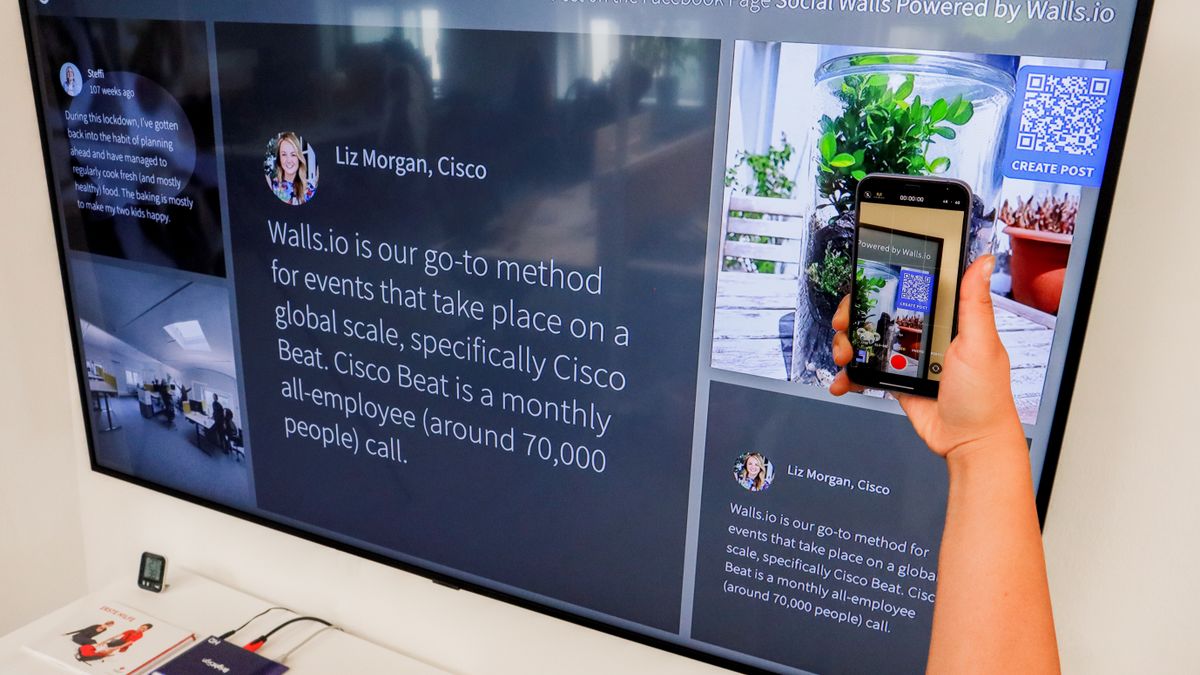

Growing your Instagram following takes creativity and smart strategy. One tool that many people overlook is the humble QR code. These small, scannable squares can connect the physical world to your digital presence in seconds, helping you reach audiences you might never have found otherwise.
QR codes for Instagram growth work by giving people an instant way to find and follow your account. Instead of asking someone to search for your username or spell it out letter by letter, they simply point their phone camera at a code and arrive directly on your profile. This removes friction and makes it much easier for potential followers to connect with you.
Whether you run a small business, manage a personal brand, or create content for fun, QR codes can help you expand your reach. In this guide, you will learn how these codes work, how to create your own, where to place them for the best results, and how to measure their performance. Let us explore everything you need to know about using QR codes to boost your Instagram engagement and following.
What Are QR Codes and How Do They Work
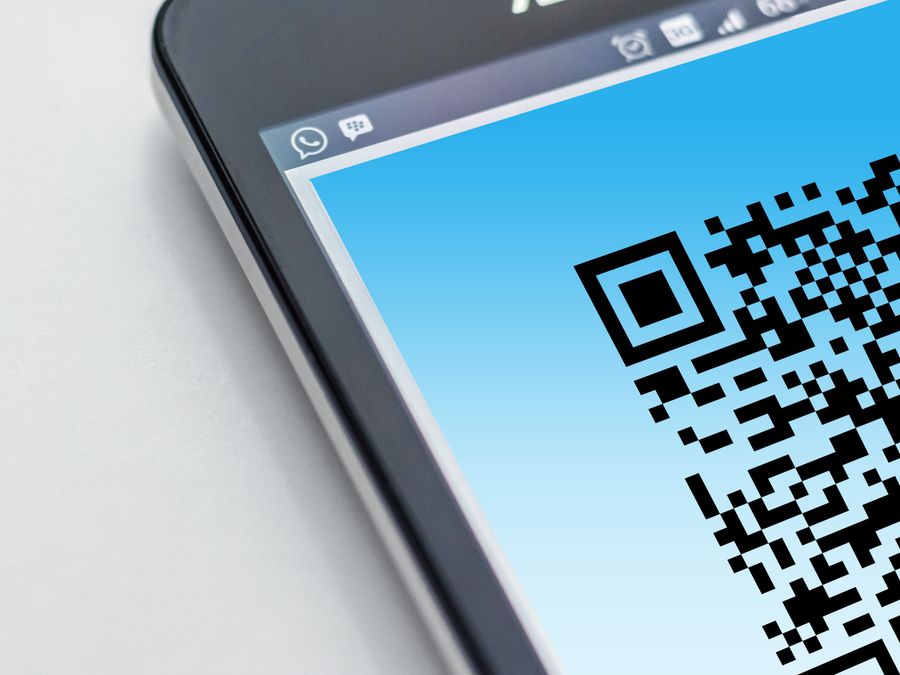
QR stands for “quick response,” and these codes were designed to be scanned and read instantly. Originally created for tracking parts in vehicle manufacturing, quick response codes have evolved into a powerful tool for connecting people to digital content in everyday life.
A QR code is a two-dimensional barcode made up of black squares arranged on a white background. Unlike traditional barcodes that store information in horizontal lines, QR codes store data both horizontally and vertically. This allows them to hold much more information, including website URLs, contact details, or links to social media profiles like Instagram.
Understanding QR code technology helps you see why it works so well on smartphones. When you open your phone camera and point it at a QR code, the camera software recognizes the pattern and decodes the embedded information. Most modern smartphones have this capability built directly into their default camera apps, so users do not need to download a separate scanning application.
The process takes just a second or two. Someone sees your QR code, opens their camera, and the link to your Instagram profile appears on their screen. One tap, and they land directly on your page, ready to follow you, browse your content, or send you a message. This instant connection is what makes QR codes so valuable for growing your Instagram presence.
QR codes can be customized with colors, logos, and different patterns while still remaining scannable. This flexibility lets you create codes that match your brand and catch people’s attention, making them more likely to scan and engage with your content.
Why QR Codes Are Effective for Instagram Growth
QR codes bridge the gap between offline interactions and your online presence. Every day, potential followers encounter your brand in the physical world through product packaging, store displays, business cards, and printed materials. Without a QR code, these people would need to remember your username, open Instagram, type it correctly, and search for your account. Many simply will not bother.
A QR code eliminates every barrier in that process. The easier you make it for someone to follow you, the more likely they are to do it. This simple principle is why businesses that understand Instagram benefits for business growth are embracing QR codes as a core part of their strategy.
The effectiveness of QR codes in marketing has grown significantly as smartphone adoption has increased. People are now comfortable scanning codes because they encounter them everywhere, from restaurant menus to concert tickets. This familiarity means your audience already knows what to do when they see a QR code pointing to your Instagram.
QR codes for Instagram growth also help you track where your followers are coming from. When you create different codes for different locations or campaigns, you can see which placements generate the most scans and followers. This data helps you understand your audience better and focus your efforts on the channels that work best.
Another advantage is the shareability of QR codes. You can print them on almost anything, display them on screens, and even include them in video content. This versatility gives you countless opportunities to invite people to join your Instagram community without being pushy or interruptive.
How to Create a QR Code for Your Instagram Profile

Creating a QR code for your Instagram account is straightforward and usually free. Several online tools let you generate custom codes in just a few minutes. Here is a simple step-by-step process to get you started.
First, find your Instagram profile URL. Open Instagram on a web browser, navigate to your profile, and copy the URL from the address bar. It should look something like instagram.com/yourusername. You can also use the format instagram.com/yourusername directly if you know your exact handle.
Next, choose a QR code generator tool. The Adobe QR code generator offers a clean interface and lets you customize your code with colors. Another popular option is the QR Code Generator website, which provides additional features like tracking and analytics. For a quick and simple option, you can also try the Quillbot code generator for basic code creation.
Once you have selected your tool, paste your Instagram profile URL into the designated field. The generator will create a standard QR code that links directly to your profile. From there, you can often customize the design by changing colors, adding a logo, or adjusting the shape of the corner squares.
After customizing your code, download it in a high-resolution format. PNG files work well for digital use, while vector formats like SVG are better for printing at large sizes. Make sure the code remains sharp and clear at whatever size you plan to use it.
Before using your QR code publicly, always test it with multiple devices. Scan the code with your own phone, ask a friend to try it with theirs, and make sure it consistently opens your Instagram profile without errors. This simple test can save you from distributing a broken code that frustrates potential followers.
Instagram also has a built-in QR code feature called Nametag. You can access this through your profile settings, though external QR code generators often offer more customization options and tracking capabilities.
Best Practices for QR Code Design
A well-designed QR code is both visually appealing and easy to scan. Following a few best practices ensures your codes work reliably while representing your brand effectively.
Contrast is the most important factor for scannability. The difference between the dark modules and the light background needs to be strong enough for cameras to detect the pattern quickly. Black on white is the classic combination, but you can use other color pairs as long as the dark color is significantly darker than the light one. Avoid using two similar shades or colors that blend together.
Size matters more than people realize. A QR code that looks fine on your computer screen might be too small to scan when printed on a business card. As a general rule, the minimum size for a scannable code is about one inch by one inch, though larger is often better, especially for codes displayed at a distance. Think about how far away people will be when they scan your code and size it accordingly.
Adding your logo or brand colors can make your QR code more recognizable and trustworthy. Most generators let you place a small logo in the center of the code without affecting its functionality. Just keep the logo relatively small so it does not obscure too much of the code pattern.
Always include a call to action near your QR code. Simply printing a code without context leaves people wondering what happens when they scan it. A short phrase like “Scan to follow us on Instagram” or “Follow us for exclusive updates” tells people exactly what to expect and encourages them to take action.
Leave adequate white space around your QR code. This quiet zone helps cameras isolate the code from surrounding elements. Crowding other design elements too close to the code can cause scanning problems.
Where to Place QR Codes for Maximum Reach
Strategic placement determines how many people actually scan your QR codes. Think about where your target audience spends time and how you can naturally integrate codes into those environments.
Product packaging is one of the most valuable placement locations. Every item you sell becomes an opportunity for someone to discover your Instagram account. Customers who have already purchased from you are often eager to see more of your brand, making them highly likely to scan and follow.
Storefronts and point-of-sale areas work exceptionally well for local businesses. A QR code displayed near the register or on window signage catches people while they are already engaged with your brand. Restaurants have been particularly creative with this approach, and you can learn more about QR code strategies for restaurants to see how food businesses are connecting with customers through Instagram.
Event materials offer temporary but high-impact placement opportunities. Trade show booths, conference handouts, workshop materials, and event signage can all feature QR codes. Attendees at events are typically in a discovery mindset, making them receptive to following new accounts that align with their interests.
Business cards remain relevant even in the digital age. Adding a QR code to your card gives new contacts an instant way to connect with your Instagram presence. This works especially well for creators, freelancers, and small business owners who rely on networking.
Your website is another prime location for QR codes, especially if you are focused on integrating your website with Instagram. While web visitors can simply click a link, some prefer to scan a code so they can continue browsing your Instagram on their phone rather than their computer.
Print advertising, direct mail, flyers, and posters all benefit from QR codes. These traditional marketing materials gain new power when they provide an instant bridge to your dynamic Instagram content.
Using QR Codes to Drive Specific Actions
QR codes do not have to link directly to your main Instagram profile. You can use them strategically to guide people toward specific actions that support your growth goals.
Linking to specific posts or Reels lets you highlight your best content. If you have a particularly engaging video or a post that showcases what makes your account worth following, create a QR code that leads directly to it. People who enjoy that content are more likely to explore further and hit the follow button.
QR codes can also point to Instagram landing pages that convert. These are optimized pages designed to encourage specific actions, whether that is following your account, signing up for a newsletter, or exploring your products. A dedicated landing page gives you more control over the visitor experience than linking directly to your profile.
For product-based businesses, connecting QR codes to shoppable content creates a direct path from curiosity to purchase. Understanding Instagram shopping and social commerce helps you see how QR codes can drive sales by leading customers straight to your product catalog or featured items.
You might create different QR codes for different audience segments. A code on your product packaging could link to customer-focused content, while a code at a trade show might lead to content designed for potential business partners. This targeted approach improves conversion rates and provides better data about which audiences respond to which messages.
Direct message links are another useful option. Some QR code generators let you create codes that open a direct message conversation with your account, making it easy for customers to ask questions or start a dialogue.
Creative QR Code Campaign Ideas
Going beyond basic profile links opens up exciting possibilities for creative campaigns that capture attention and encourage engagement.
Exclusive content campaigns reward people for scanning your code. Create content that is only accessible through a specific QR code, such as behind-the-scenes footage, exclusive discounts, or early access to new products. This sense of exclusivity motivates people to scan and creates a more memorable brand interaction.
Scavenger hunts and interactive experiences turn QR codes into a game. Place multiple codes in different locations, each revealing a clue or piece of content. Participants must find and scan all the codes to complete the experience. This approach works particularly well at events, in retail environments, or across a city for location-based brands.
Contests and giveaways can use QR codes as the entry mechanism. Scanning the code leads to an Instagram post where followers can enter by commenting, tagging friends, or sharing to their stories. This combines the convenience of QR codes with the viral potential of social media contests.
Looking ahead, combining QR codes with Augmented Reality creates immersive experiences that truly stand out. While still emerging, AR-enabled QR campaigns let people interact with virtual content overlaid on the real world, creating shareable moments that naturally spread across Instagram.
Modern AI tools for Instagram engagement can help you plan and optimize these creative campaigns, suggesting content ideas and predicting which approaches might resonate best with your audience.
How to Track and Measure QR Code Performance
Tracking your QR code results helps you understand what works and refine your strategy over time. Without measurement, you are guessing at which placements and campaigns actually drive growth.
Many QR code generators offer built-in analytics that show you how many times each code has been scanned. More advanced platforms provide additional details like scan locations, device types, and time of day patterns. This information reveals which placements perform best and when your audience is most active.
Creating unique QR codes for different locations or campaigns is essential for accurate tracking. If you use the same code everywhere, you cannot tell whether scans came from your product packaging, your storefront, or your event materials. Separate codes for each placement give you clear data about each channel’s performance.
UTM parameters add another layer of tracking. By adding these special tags to your URLs before generating QR codes, you can see QR code traffic in your Google Analytics or other website analytics platforms. This helps you connect scans to downstream actions like website visits, sign-ups, or purchases.
On the Instagram side, tracking performance with Instagram Insights shows you whether QR code traffic translates into meaningful engagement. Watch for spikes in profile visits, follower counts, and engagement rates that correlate with your QR code campaigns.
Regular review and optimization improve your results over time. Check your data weekly or monthly, identify your best-performing codes and placements, and adjust your strategy accordingly. If certain locations consistently underperform, consider whether the placement needs improvement or whether that channel simply does not reach your target audience.
For those looking to accelerate their growth efforts, Instagram growth services for creators can complement your QR code strategy by helping you retain and engage the new followers you attract through your codes.
QR codes for Instagram growth offer a simple yet powerful way to expand your reach and connect with new audiences. By understanding how they work, creating them thoughtfully, placing them strategically, and measuring their performance, you can turn these small scannable squares into a significant driver of your Instagram success. Start with one or two placements, track your results, and expand from there as you learn what works best for your unique audience and goals.