


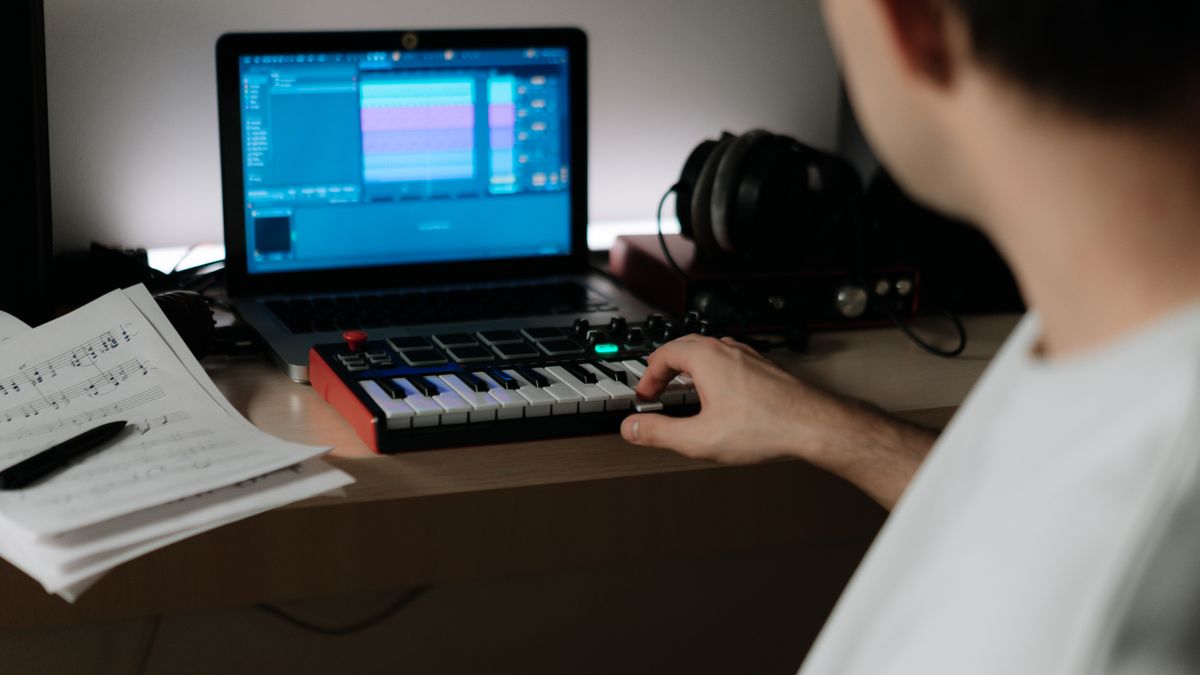

Making music videos used to require expensive equipment, professional software, and years of experience. Today, things are very different. With a free AI music video generator, anyone can create eye-catching visuals for their songs without spending money or learning complicated editing programs.
If you’re a new creator looking to bring your music to life visually, you’re in the right place. This guide will walk you through the best free tools available, show you how to use them, and help you share your work with the world. Whether you want simple lyric videos or stunning animated visuals, there’s a tool out there that can help.
Let’s explore how these tools work and how you can start making professional-looking music videos today.
What Are AI Music Video Generators?
AI music video generators are online tools that use artificial intelligence to create video content automatically. Instead of filming scenes or animating everything by hand, you can let the AI do the heavy lifting. You upload your music, choose some settings, and the tool creates visuals that match your audio.
These tools analyze your song to understand things like tempo, mood, and rhythm. Then they generate visuals that sync up with the music. Some create abstract patterns and colors that pulse with the beat. Others can generate realistic scenes, animated characters, or even lip-sync videos where avatars appear to sing your lyrics.
For example, an AI Music Video Generator can create lip-sync videos automatically, making it look like characters are singing along to your track. This is especially useful if you don’t want to appear on camera yourself or can’t afford to hire actors.
The technology behind these tools has improved rapidly. Modern AI can understand music structure, recognize emotional tones, and create visuals that feel connected to the audio rather than random. This means even simple prompts can lead to impressive results.
What makes these tools so appealing is accessibility. You don’t need to know video editing, animation, or graphic design. The AI handles the technical work while you focus on the creative direction. This shift is part of a larger trend where AI tools for social engagement and content creation are making it easier for anyone to participate in digital media.
For beginners, AI music video generators remove the biggest barriers to entry. There’s no learning curve for complex software, no expensive subscriptions required to get started, and no need for specialized hardware. If you have a song and an internet connection, you can make a music video.
Why Free AI Tools Work Well for New Creators
When you’re just starting out, spending money on professional video production isn’t practical. Free AI music video generators solve this problem by giving you real tools without asking for payment upfront.
The biggest advantage is obvious: cost. Traditional music video production can run into hundreds or thousands of dollars when you factor in equipment, software, locations, and talent. Free AI tools let you create unlimited videos while you learn what works and what doesn’t. You can experiment without financial risk, which is exactly what new creators need.
Time savings matter too. Learning professional video editing software can take months. These AI tools can produce a complete video in minutes. For someone juggling music creation with a day job or other responsibilities, this efficiency is game-changing. You can focus your limited time on making music rather than wrestling with complicated software.
There’s also the freedom to experiment. When something costs nothing, you’re more willing to try bold ideas. Want to see how your acoustic ballad looks with surreal dreamscape visuals? Try it. Curious whether abstract geometric patterns fit your electronic track? Generate a test video and find out. This kind of creative exploration helps you develop your visual style faster.
Many platforms offer a Free AI Music Video Generator option that includes core features without payment. These free tiers typically let you create videos with reasonable quality, giving you a genuine sense of what the tool can do before you consider any paid options.
Free tools also let you test multiple platforms to find what fits your style. Every AI generator has a slightly different approach to visuals, so trying several helps you discover which one produces results you like.
This accessibility mirrors what’s happening across digital creation. Just as automation tools and bots help creators manage their online presence more efficiently, AI video generators let you produce content that would have been impossible to make alone just a few years ago.
For new creators, these free options provide a real starting point rather than just a demo or teaser. You can build a portfolio, release actual videos, and grow your audience without waiting until you can afford professional services.
Best Free AI Music Video Generator Options
Finding the right tool depends on what kind of visuals you want and how much control you need. Here are some solid options to consider as a new creator.
Abstract and Artistic Generators
Some AI tools specialize in creating flowing, artistic visuals that react to your music. These work well for ambient, electronic, or any genre where you want a hypnotic visual experience. The AI generates patterns, shapes, and colors that shift and pulse with your audio. Results tend to look professional even with minimal input from you.
Kaiber AI is a popular choice for creators who want artistic, stylized videos. It can transform simple images or prompts into animated sequences that move with your music. The tool offers creative visual effects that range from painterly looks to futuristic styles, making it versatile for different musical genres.
Text and Lyric-Based Generators
If your song has meaningful lyrics, consider tools that emphasize text. These generators create videos where your words appear on screen in creative ways, timed to your vocals. They’re perfect for hip-hop, spoken word, or any track where the words carry significant weight.
Character and Scene Generators
More advanced tools can create actual scenes or characters. These use AI to generate people, places, and actions based on your descriptions. While free versions may have limitations, they can still produce impressive results for simple concepts.
When choosing a tool, think about your specific needs. Do you want something that requires almost no input, or do you prefer more creative control? Some generators are very hands-off, while others let you adjust colors, styles, and effects extensively.
The variety of AI-powered creative tools available today is impressive. Just like name generator tools help with branding decisions, video generators handle the visual side of your creative work.
Most free versions have some limitations, such as watermarks, lower resolution, or restricted video length. However, these constraints rarely matter when you’re learning and building your portfolio. You can always upgrade later once you know what you need.
Try several tools with the same song to compare results. You might be surprised which one produces visuals that best match your creative vision. The goal at this stage is exploration and learning, not perfection.
Video Editing Tools to Polish Your Music Videos
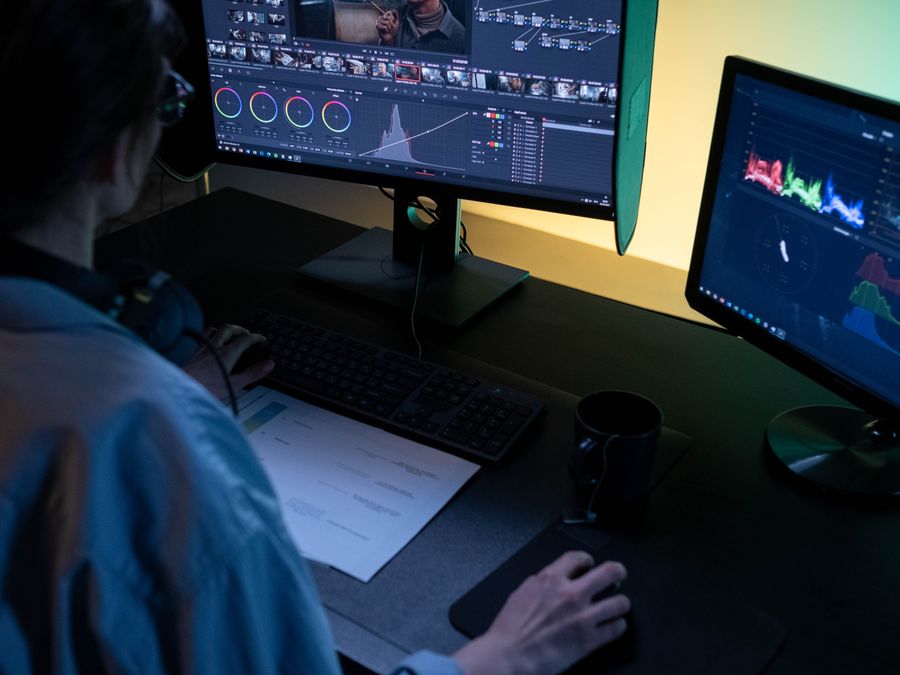
AI generators create great raw material, but you’ll often want to refine the final product. Editing tools let you trim, adjust, and enhance your videos before sharing them.
Why Editing Matters
Even the best AI-generated video might need small adjustments. Maybe the beginning doesn’t hook viewers fast enough, or the ending feels abrupt. Perhaps you want to add your logo, adjust colors, or include text overlays. Editing tools give you this control without requiring advanced skills.
Beginner-Friendly Options
The CapCut editor is an excellent choice for beginners. It’s free, works on both mobile and desktop, and includes features that feel professional without being overwhelming. You can trim clips, add transitions, adjust speed, and apply filters with just a few clicks. The learning curve is gentle, making it perfect for someone who’s never edited video before.
For those who prefer working directly in a browser, VEED tools offer quick video enhancements without downloading software. You can upload your AI-generated video, make changes, and export the result all within your web browser. This convenience is helpful when you’re working across different devices or don’t want to install additional programs.
Basic Editing Tips
Start with the essentials. Trim any slow or weak moments from the beginning, since the first few seconds determine whether viewers keep watching. Make sure your video starts with something visually interesting that matches the energy of your music’s opening.
Consider adding subtle text elements like your artist name or song title. Keep text simple and positioned where it won’t distract from the main visuals. Brief appearances work better than text that stays on screen throughout.
Color correction can make a big difference. If your AI video looks slightly washed out or has colors that don’t match your brand, gentle adjustments can fix this. Most editing tools include simple sliders for brightness, contrast, and saturation.
Focus on creating a cohesive visual aesthetic across all your videos. Consistent colors, fonts, and editing style help viewers recognize your content immediately. This visual consistency is part of building your brand as a creator.
Export settings matter too. For social media, you typically want high quality but reasonable file sizes. Most editing tools have presets for popular platforms that handle technical details automatically.
Don’t over-edit. The AI-generated content should remain the star. Light touches improve the video while heavy editing can make it feel cluttered or amateurish. Less is often more when you’re refining a free AI music video generator output.
Tips for Making Your Music Videos Stand Out
Creating the video is just the first step. Making it succeed requires attention to both technical details and audience-building strategies.
Optimize Your Equipment
Video creation uses significant computing resources, even when AI does most of the work. Slow performance, crashes, and long rendering times often trace back to device issues rather than the tools themselves.
Consider clearing device memory for better performance before starting video projects. Close unnecessary programs, clear cached files, and make sure you have enough storage space. These simple steps prevent frustration and speed up your workflow.
If you’re working on mobile, the same principles apply. Free up space, close background apps, and make sure your device isn’t overheating. Video generation works best when your device runs smoothly.
Create Thumbnails That Pop
Your video’s thumbnail determines whether people click. Even the best video fails if no one watches it. Spend time choosing or creating a thumbnail that shows something visually striking from your video. Faces, bright colors, and intriguing images perform well.
Build Your Audience
Having great content matters, but you also need people to see it. After creating your videos, focus on distribution and growth. Explore growth services for creators that can help you reach more people organically.
Post Consistently
One video rarely creates success. Building an audience requires regular content. Use AI tools to create videos for multiple songs, behind-the-scenes clips, or visual teasers. Consistency signals to platforms and audiences that you’re active and worth following.
Engage With Your Community
Respond to comments, thank people for sharing, and participate in conversations about your music. Videos that spark engagement get promoted by platform algorithms, reaching more potential fans.
Study What Works
Watch successful music videos in your genre. Notice what they do well. You’re not copying, but learning from what resonates with audiences. Apply those lessons to your own work while maintaining your unique style.
Keep Improving
Your first videos won’t be your best. That’s fine. Each project teaches you something. Save feedback, note what you’d change, and apply those lessons to future work. Growth happens through iteration.
Building Your Online Presence as a Creator
Your music videos need a home online. Building a strong presence requires thoughtful setup and ongoing awareness.
Setting Up Your Profiles
Before sharing videos widely, make sure your profiles are ready. Start with choosing the right username that matches your artist name. Consistency across platforms helps fans find you everywhere. Use the same profile picture, similar bios, and matching links.
Your bio should quickly explain who you are and what you create. Include a link to your music on streaming platforms or your website. Keep it simple but informative.
Staying Safe Online
Success attracts attention, and not all of it is welcome. Be aware of scams targeting new creators that promise quick growth or exposure in exchange for money or personal information. Legitimate opportunities rarely require upfront payment from artists.
Never share passwords, banking information, or other sensitive details with people contacting you online, even if they claim to represent labels, blogs, or promotion services. Research any opportunity before committing to anything.
Promoting Your Videos
Share your videos across all your platforms, but adapt your approach for each one. What works on one platform might not translate directly to another. Shorter clips work well for some platforms, while full videos fit better elsewhere.
Use relevant hashtags to help people discover your content, but don’t overdo it. A few well-chosen tags outperform dozens of generic ones.
Collaborating With Others
Reach out to other creators at your level. Collaboration exposes both of you to new audiences. Feature other artists in your videos, create joint content, or simply share and support each other’s work.
Building Long-Term
Growing an audience takes time. Focus on steady progress rather than viral moments. Regular content, genuine engagement, and continuous improvement compound over months and years. Stay patient and keep creating.
Getting Started with Your First AI Music Video
Ready to create your first video? Here’s a simple workflow to follow from start to finish.
Step 1: Prepare Your Audio
Make sure your song file is ready. Most AI generators accept common formats like MP3 or WAV. Check that your audio sounds good because the video quality won’t matter if the music itself has problems.
Step 2: Choose Your Tool
Pick one of the free AI music video generator options discussed earlier. Don’t overthink this choice. You can always try different tools later. For your first video, just pick one and start.
Step 3: Upload and Configure
Upload your song to the platform and explore the available options. Most tools let you choose visual styles, colors, or themes. Start with the default settings to see what the AI produces naturally. You can experiment more with future videos.
Step 4: Generate Your Video
Let the AI work. Generation time varies by platform and video length. Be patient, especially during peak usage times when servers are busy.
Step 5: Review the Result
Watch your generated video completely. Does it match the mood of your song? Are there moments that feel off or sections that look particularly good? Take notes for adjustments or future reference.
Step 6: Edit if Needed
If the video needs changes, bring it into an editing tool. Trim slow sections, adjust colors, or add text elements. Keep changes minimal for your first video to avoid getting stuck in endless tweaking.
Step 7: Export and Share
Export your final video in a format suitable for your target platform. Share it with your audience, ask for feedback, and celebrate completing your first AI music video.
Moving Forward
Your first video teaches you the process. Your second video builds on that knowledge. Each project gets easier and better as you understand the tools and your own creative preferences. Keep creating, keep learning, and enjoy the journey of bringing your music to visual life with a free AI music video generator.